Guides
How Closr works, feature by feature. Each guide is short, with a screenshot and the fewest steps possible — designed to be skimmed in the middle of your day.
Watch the 13-minute walkthrough
Ara takes two agents through Closr live: chat, contacts, projects, calls, and a deal built from its documents.
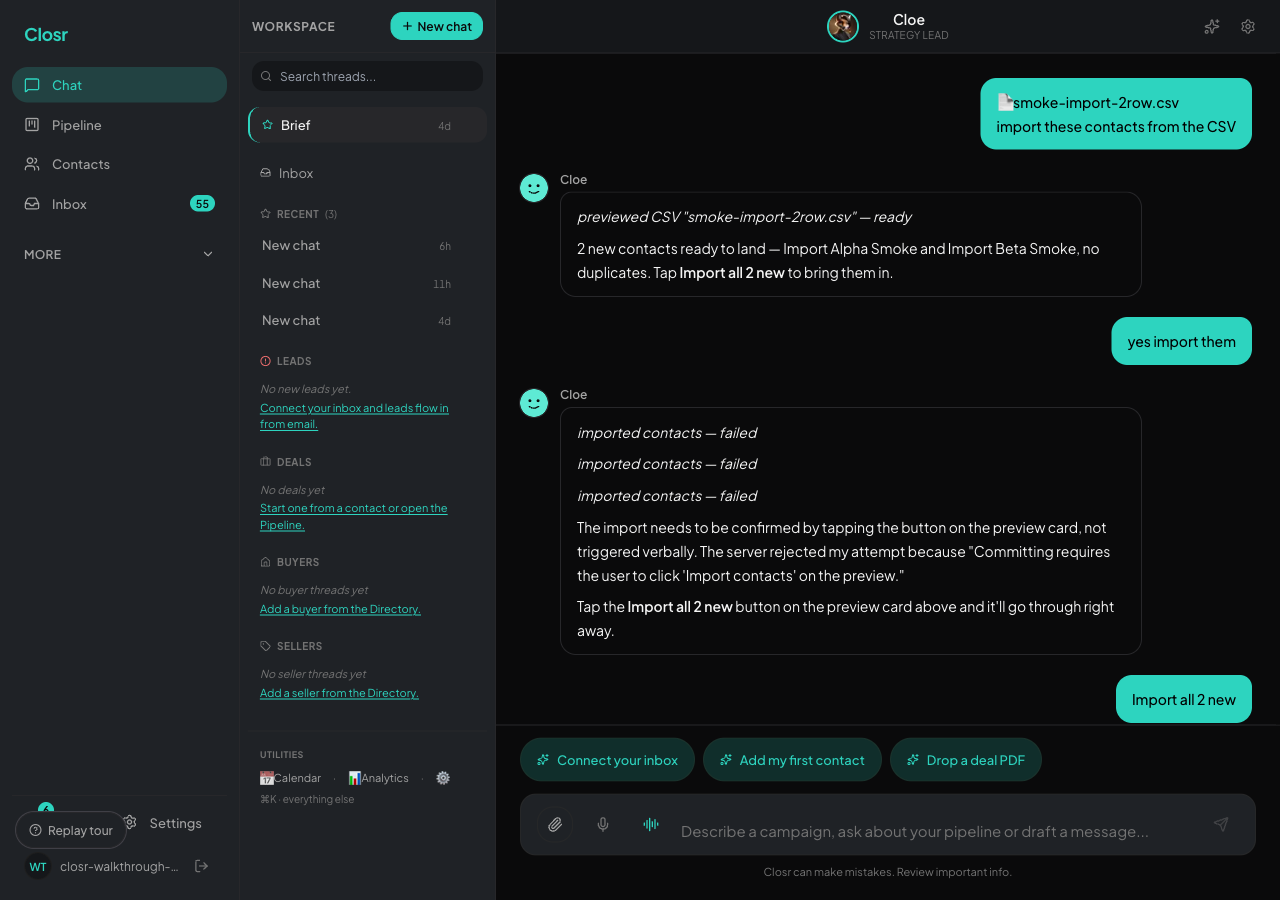
Getting started with Closr
Closr is one chat. You talk, the work happens. New sidebar buckets, Cmd+K, eSign, and Showings, all wired in.
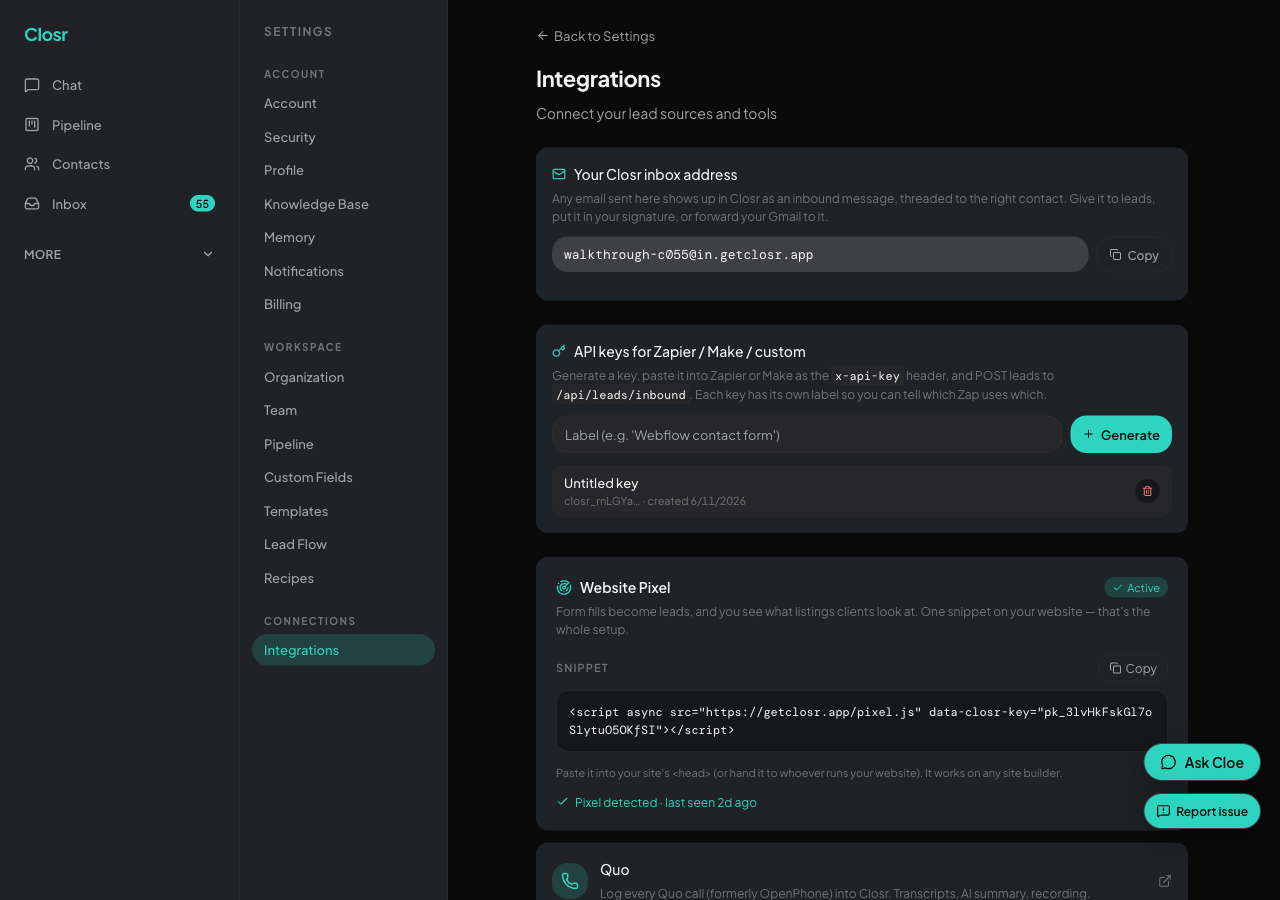
Connecting Gmail
The two-minute Google connect, plus what the four scopes do and why Closr asks for each.
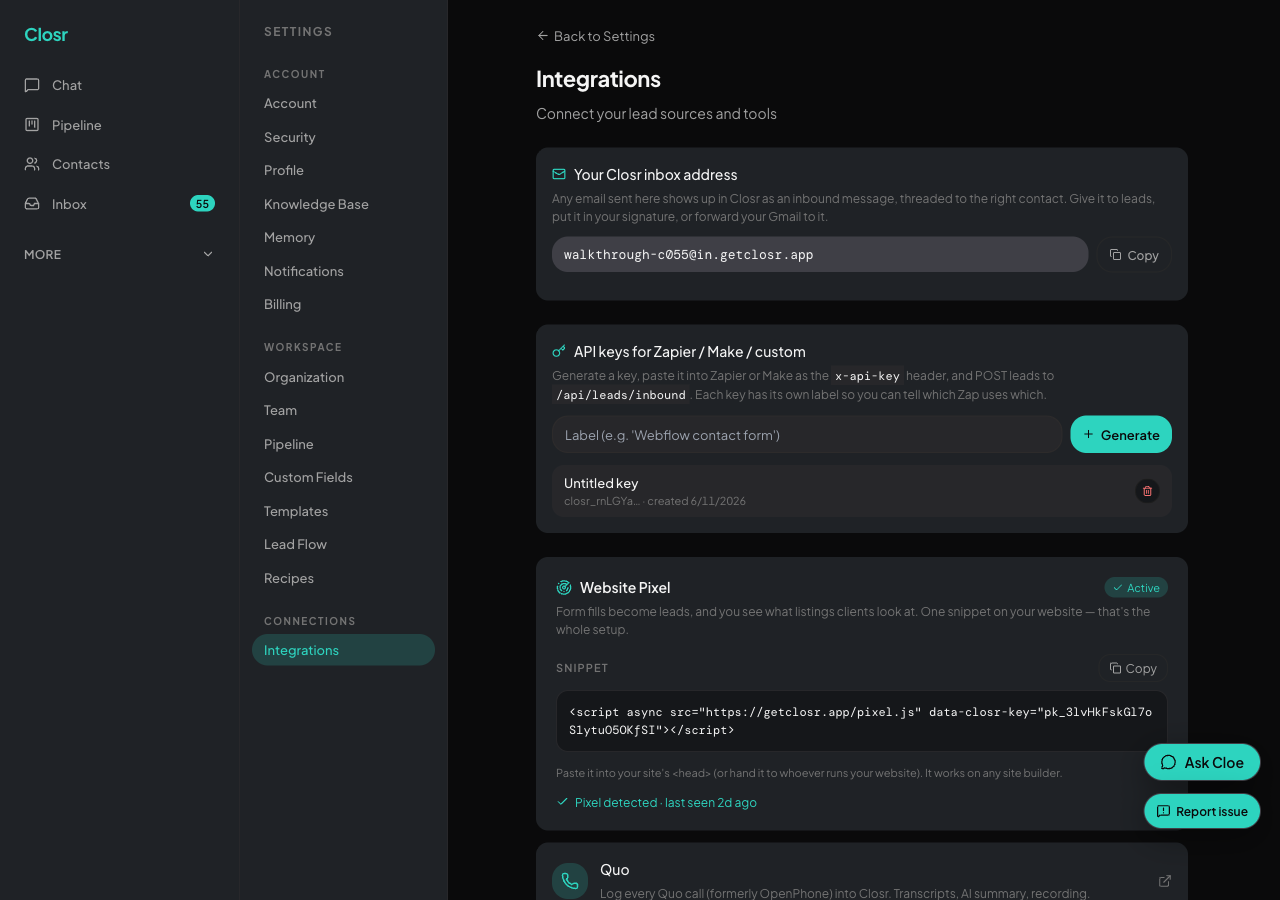
Connecting Microsoft 365 or Outlook
Microsoft email connect for Outlook / Office 365 / Microsoft 365. Live — connect from Settings → Integrations.
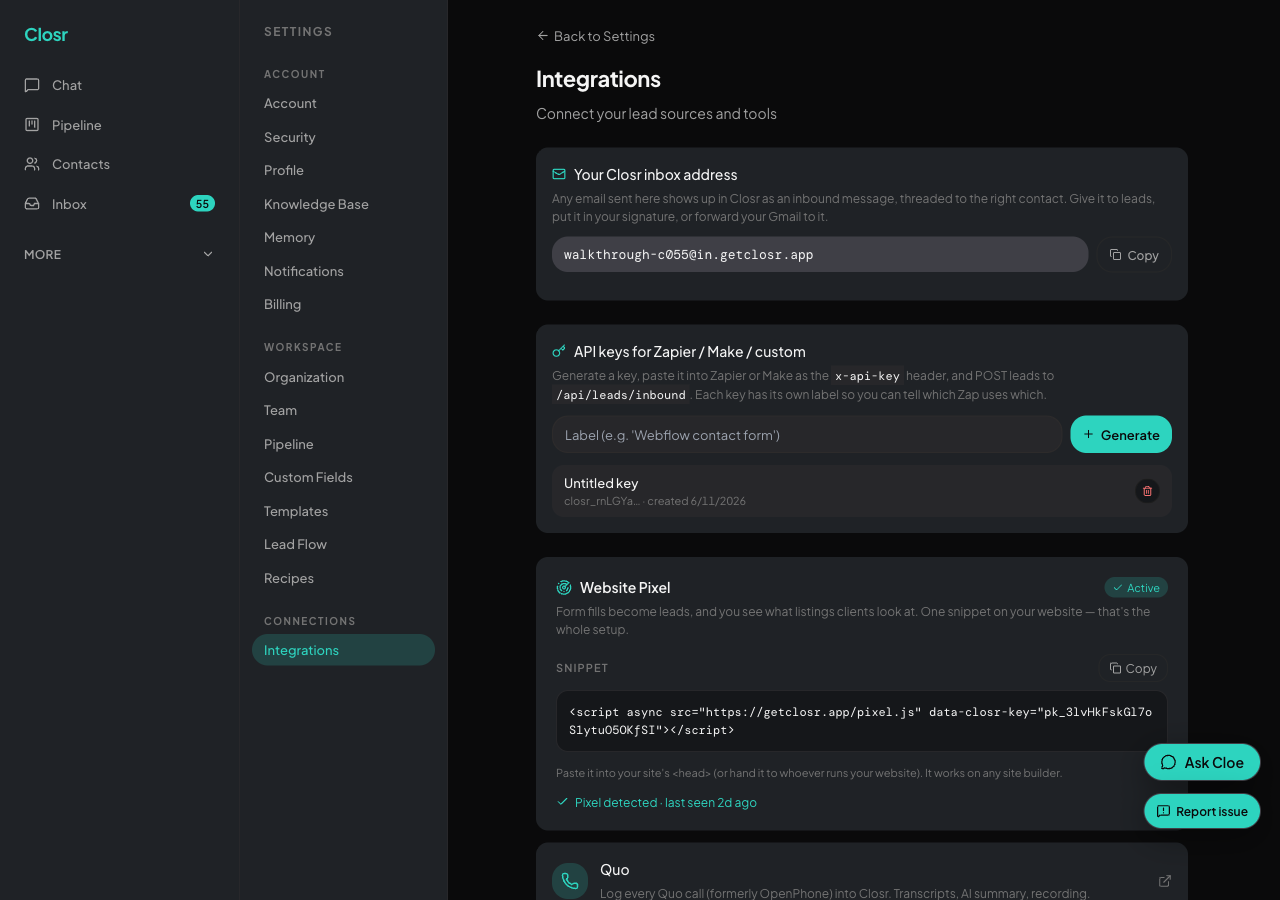
Connecting an IMAP inbox (Rogers, Yahoo, custom domains)
For agents whose email isn't on Google Workspace or Microsoft 365. App-password setup, common provider settings, and the one pitfall that breaks 90% of first attempts.
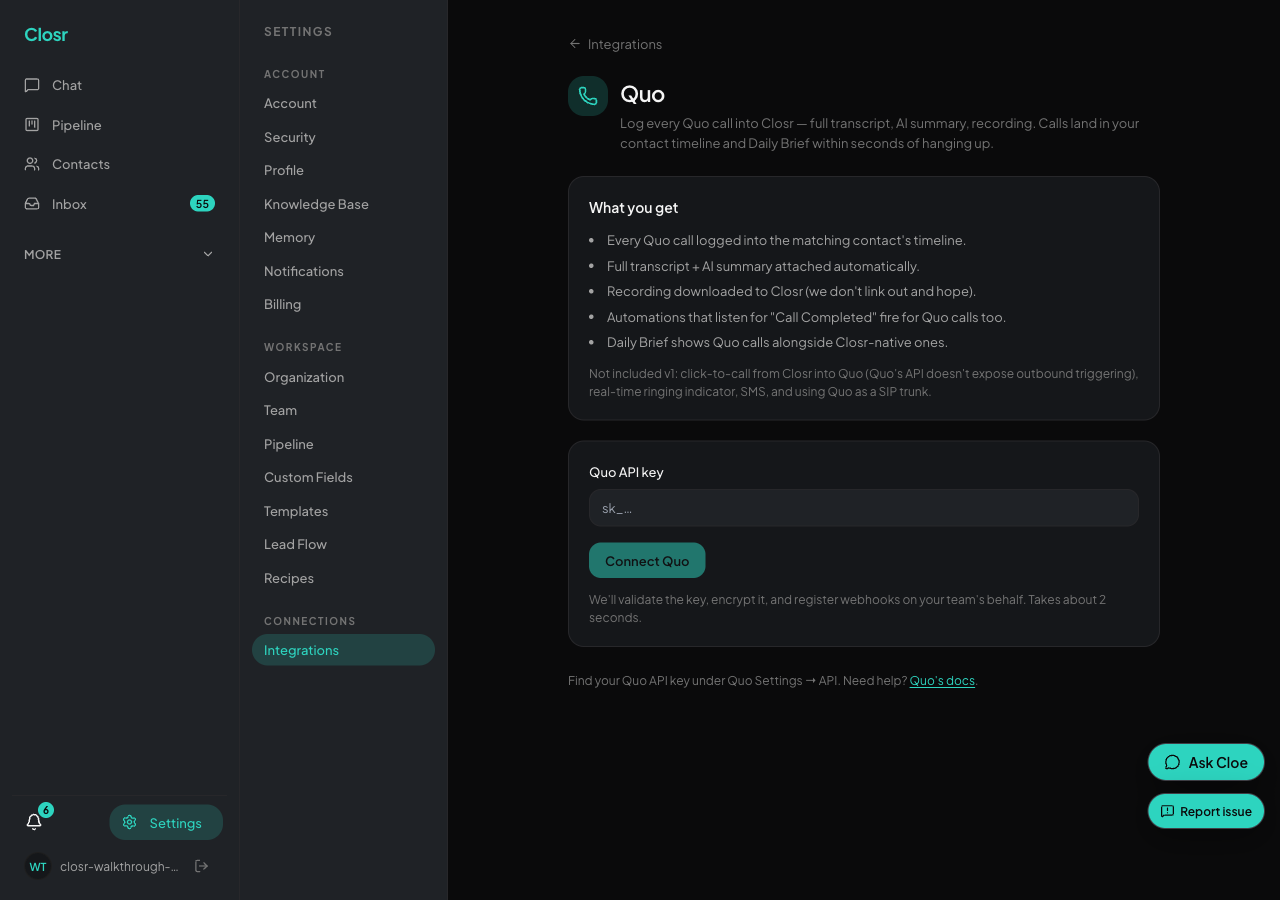
Connecting Quo (formerly OpenPhone)
Bring your Quo dialer's calls — recordings, transcripts, AI summaries — into the Closr contact timeline. API-key connect, no Zapier needed. Plus the honest v1 cutouts.
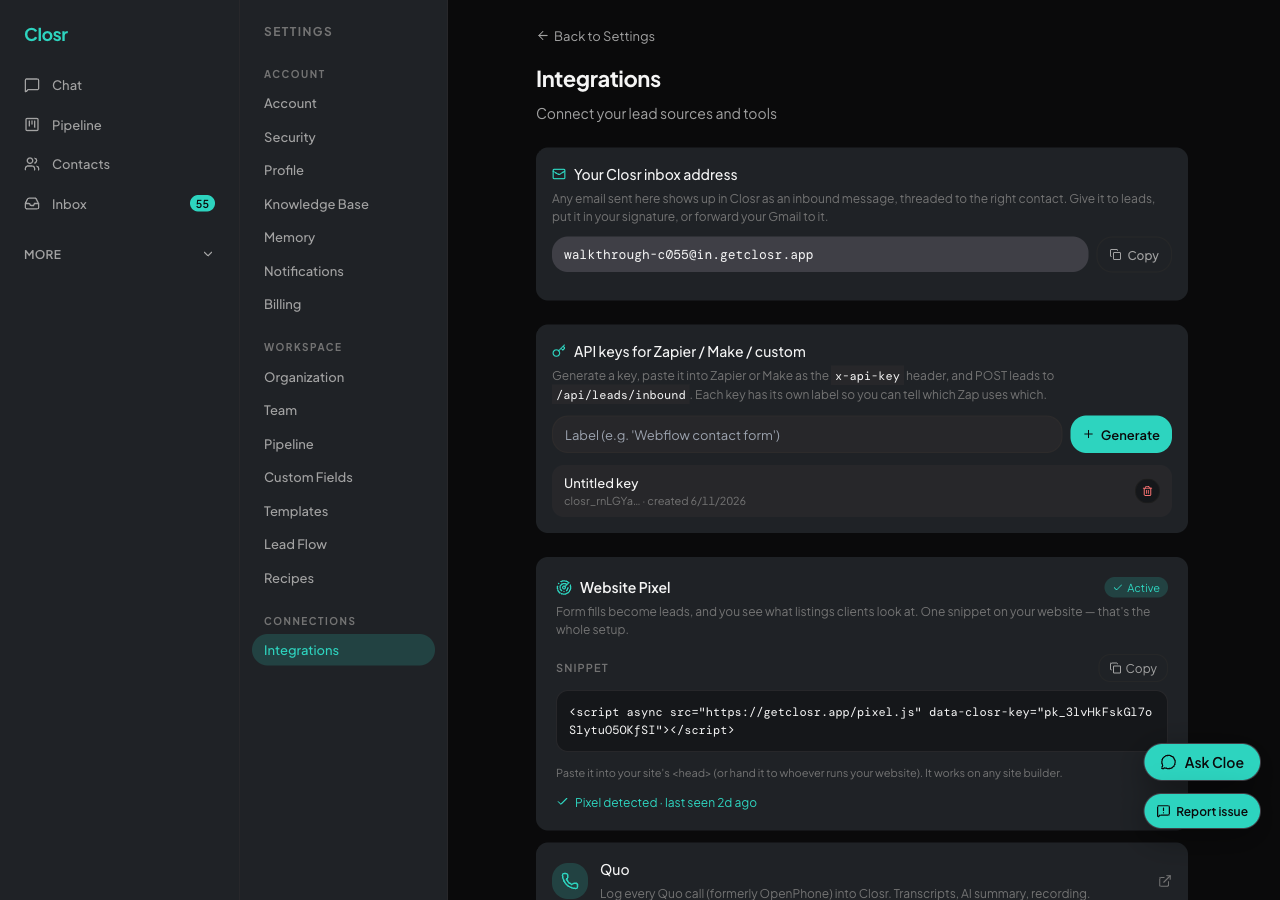
Connecting other dialers (Mojo, RedX, BatchDialer, etc.) via Zapier
Generic dialer endpoint for any dialer that has a Zapier trigger. Mojo, RedX, BatchDialer, Vulcan7, Espresso, PhoneBurner — all bridge in ~10 minutes of Zap setup.
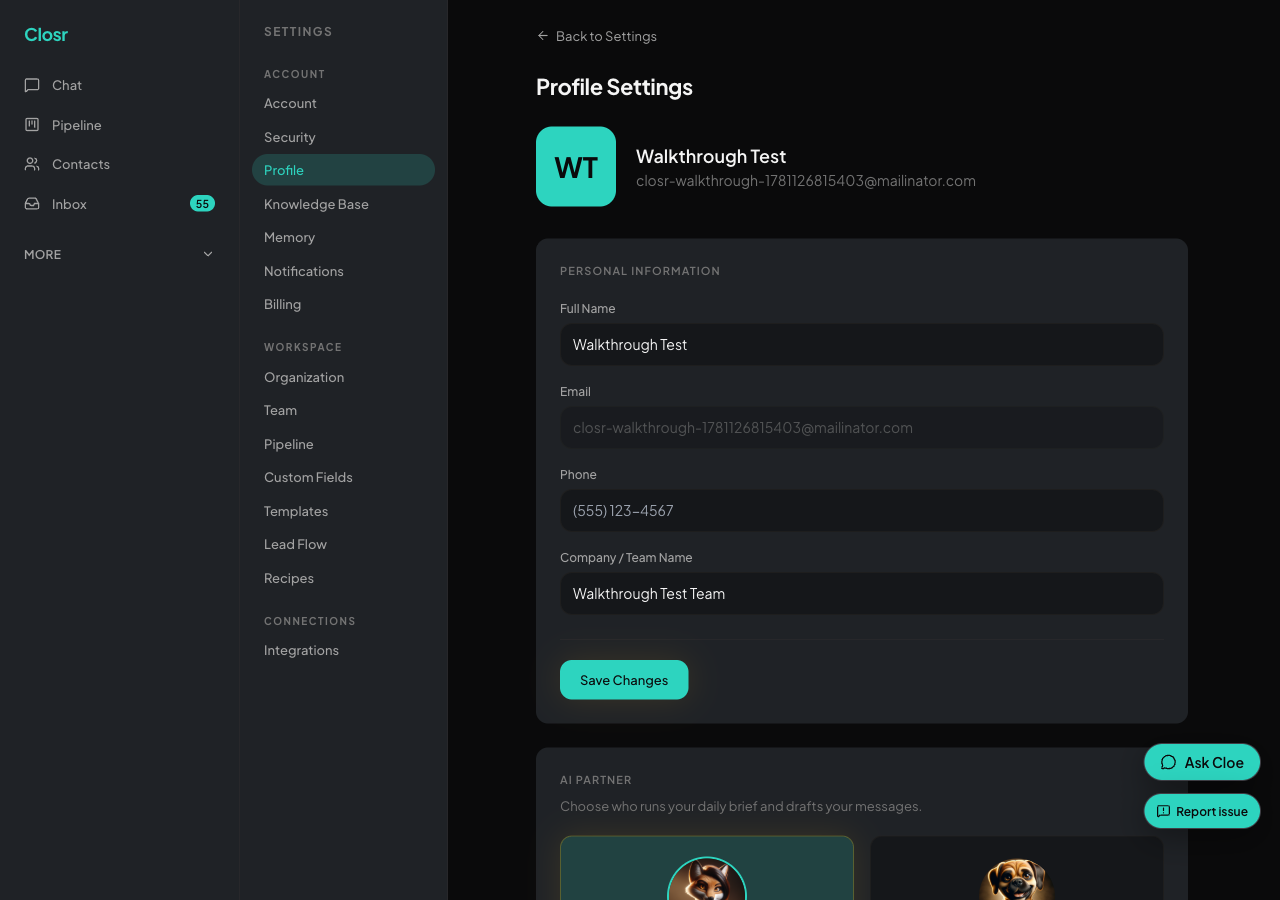
Setting up your Closr business line
A dedicated Twilio number for outbound SMS, inbound SMS, and calls. Two provisioning paths and a US-specific A2P 10DLC note.
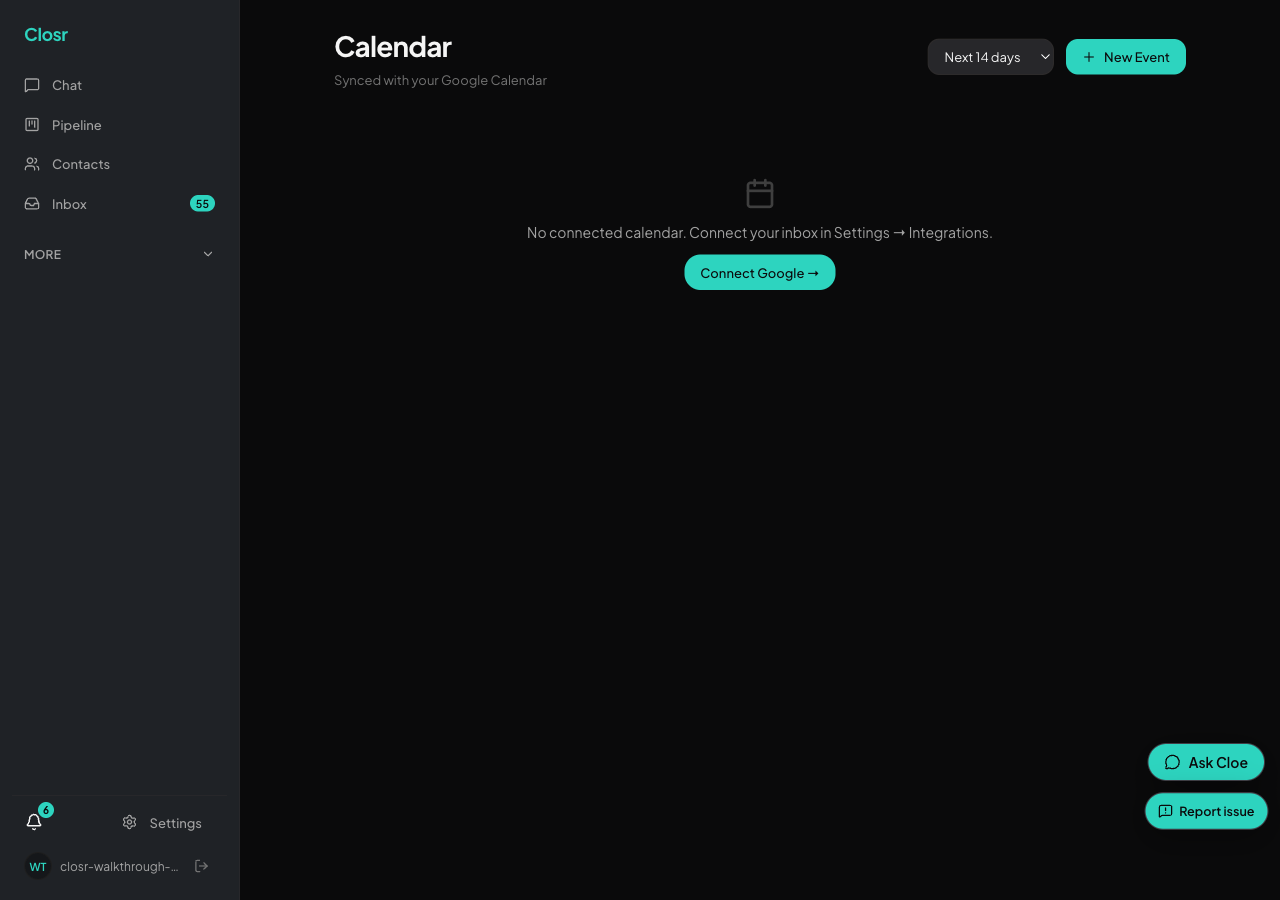
Connecting your Google Calendar
Calendar sync piggybacks on the Gmail OAuth grant. One connection, two-way sync, conflict detection in chat.
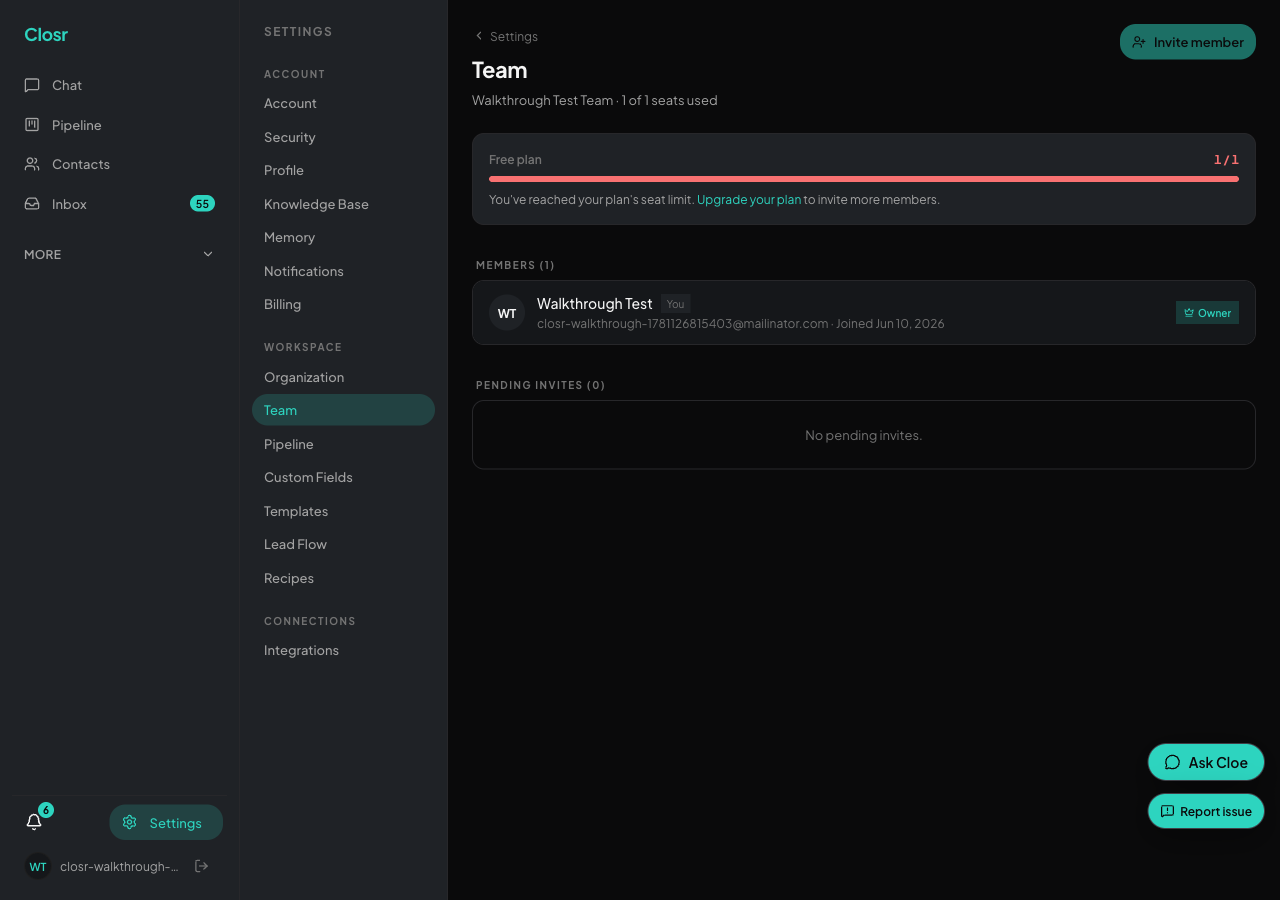
Inviting your team
Invite teammates from Settings, pick their role, and they join with a click. Seats come from your plan.
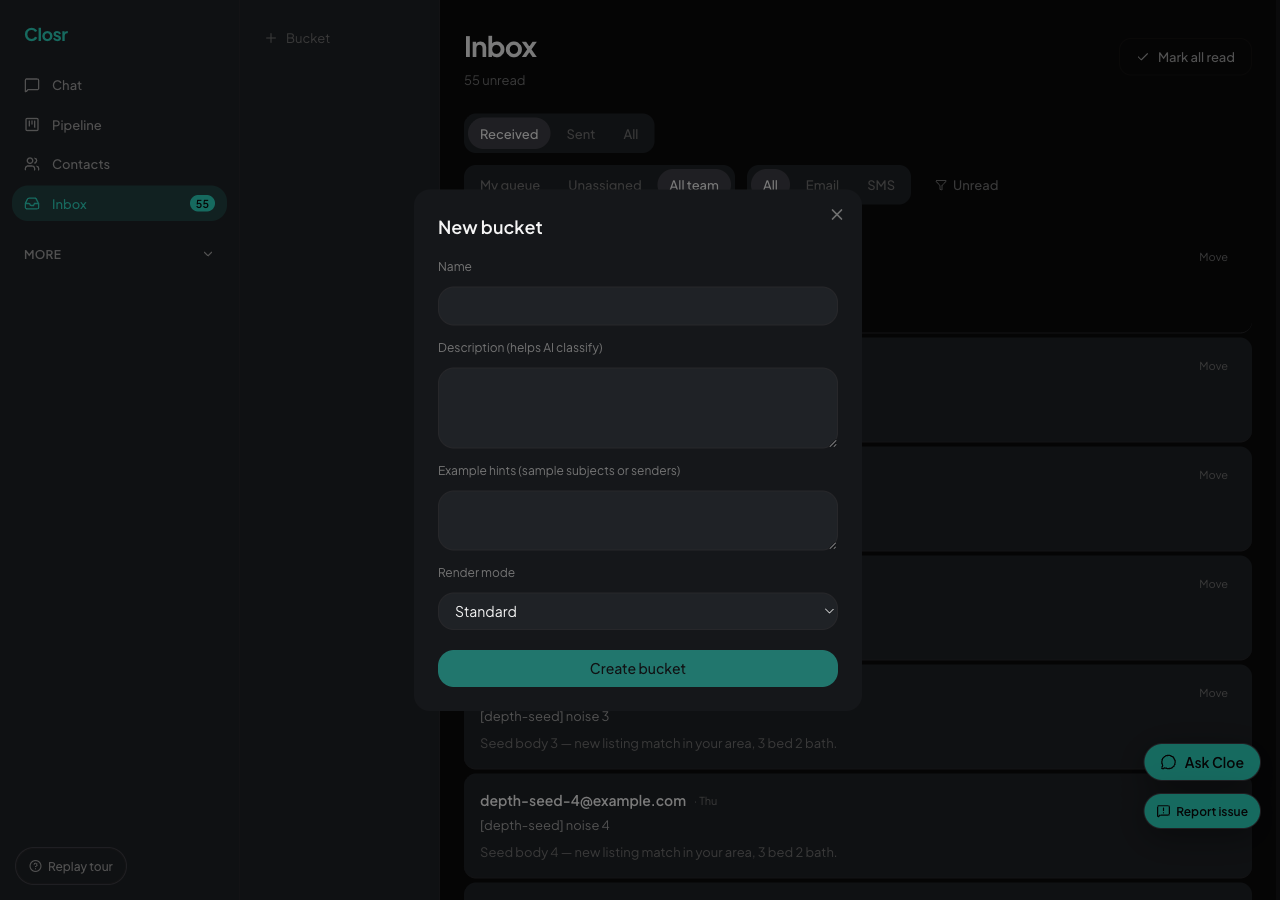
Sending and receiving email
Outbound through your Gmail, inbound threads itself onto the right contact. Bulk senders filtered, bounces flagged.
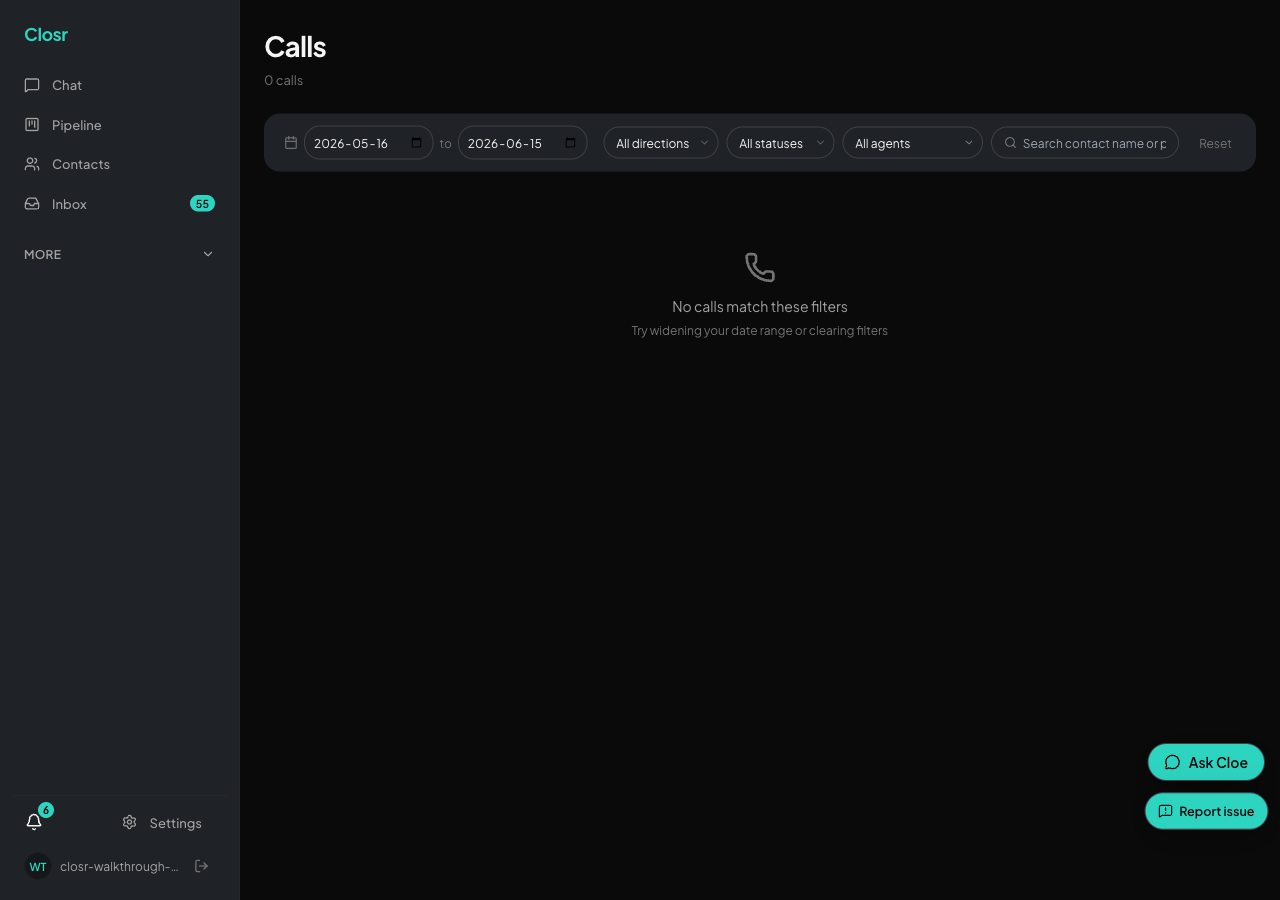
Texting and calling through Closr
Send and receive SMS, place and answer calls, all from your dedicated Twilio business line. 10DLC for US-bound traffic.
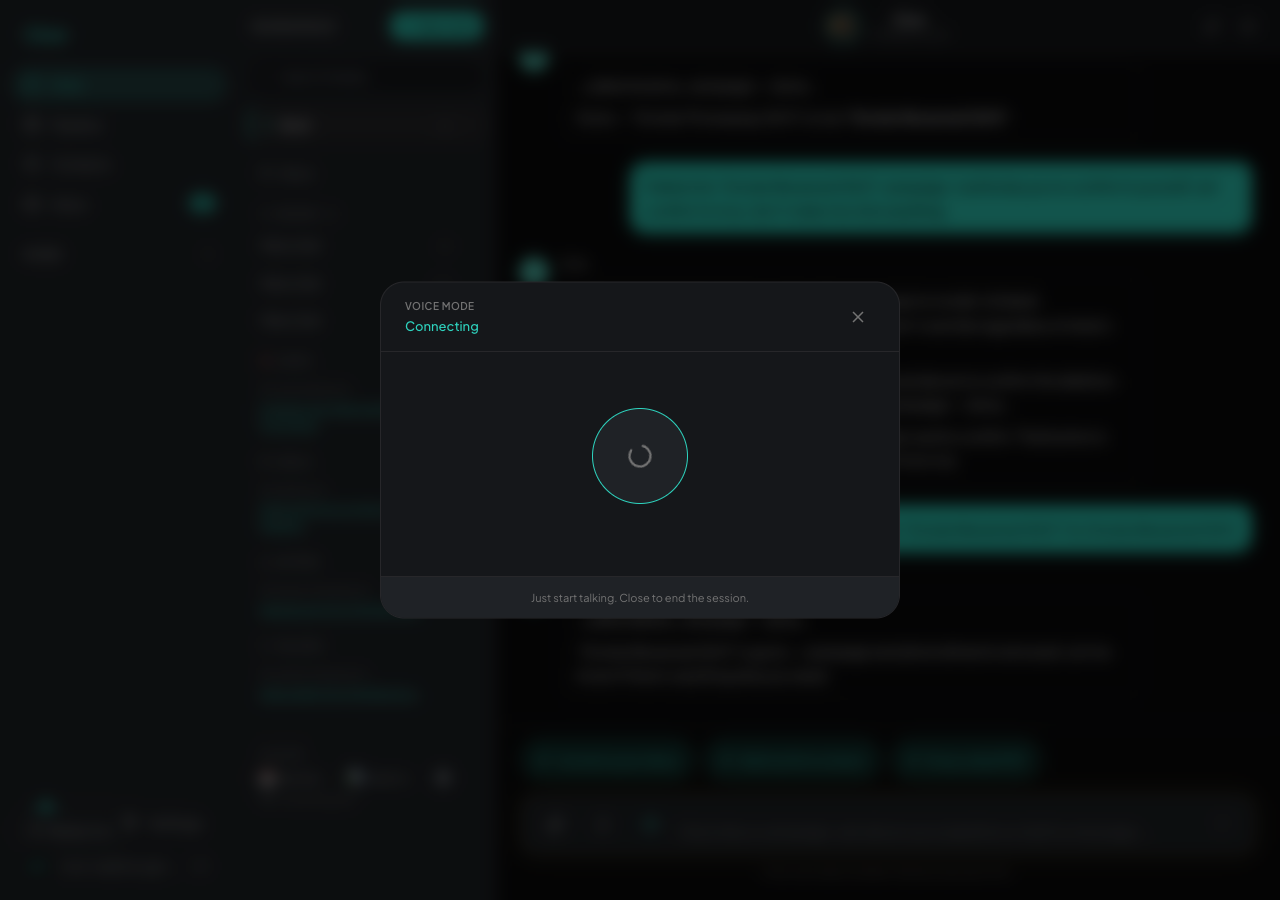
Talking to Closr by voice
Hit the waveform icon in chat to start a hands-free voice session. Same tools, no typing. Built for the car.
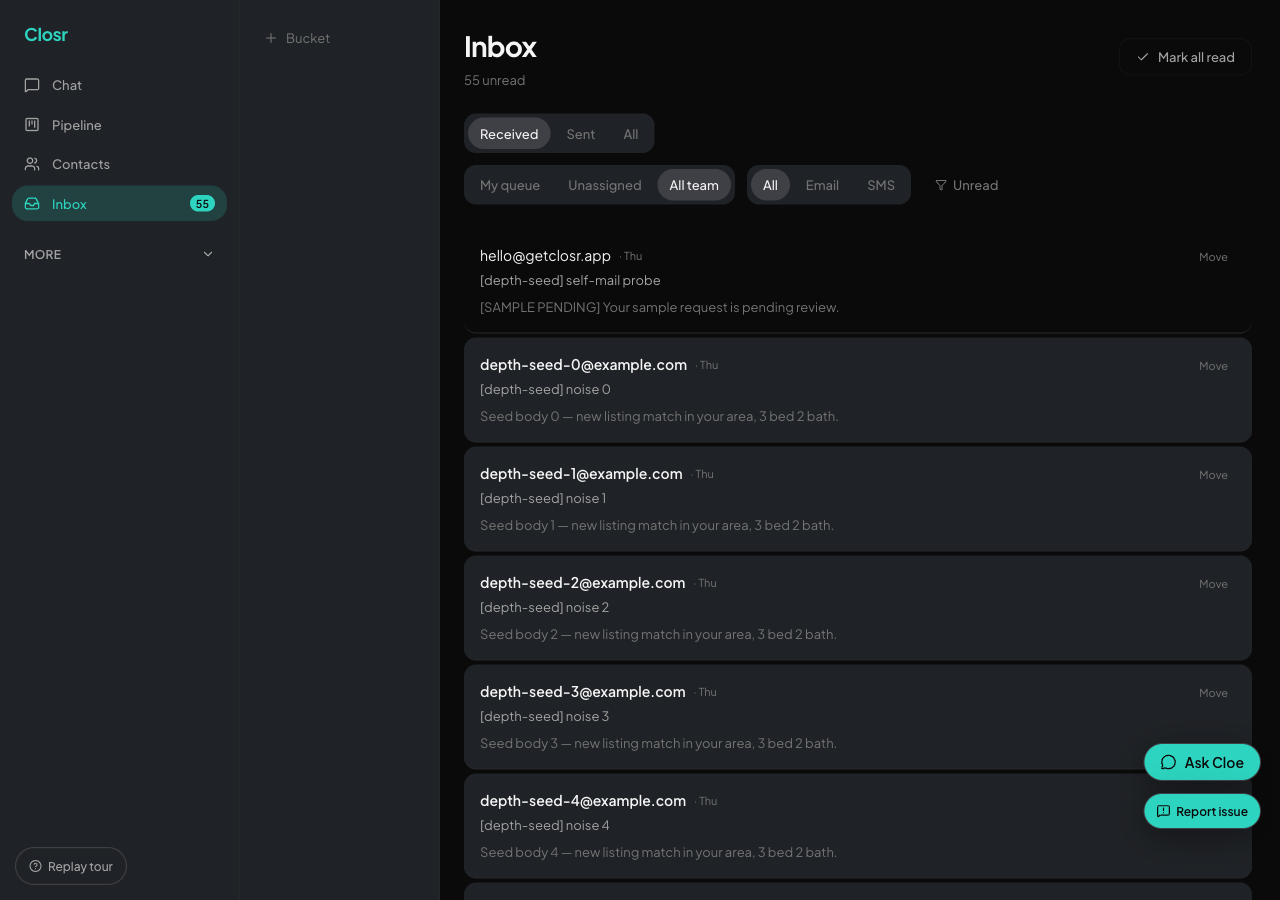
The unified Inbox
Every inbound email, SMS, and call in one list. Triage queue with claim, mark-read, and team-scoped filters.
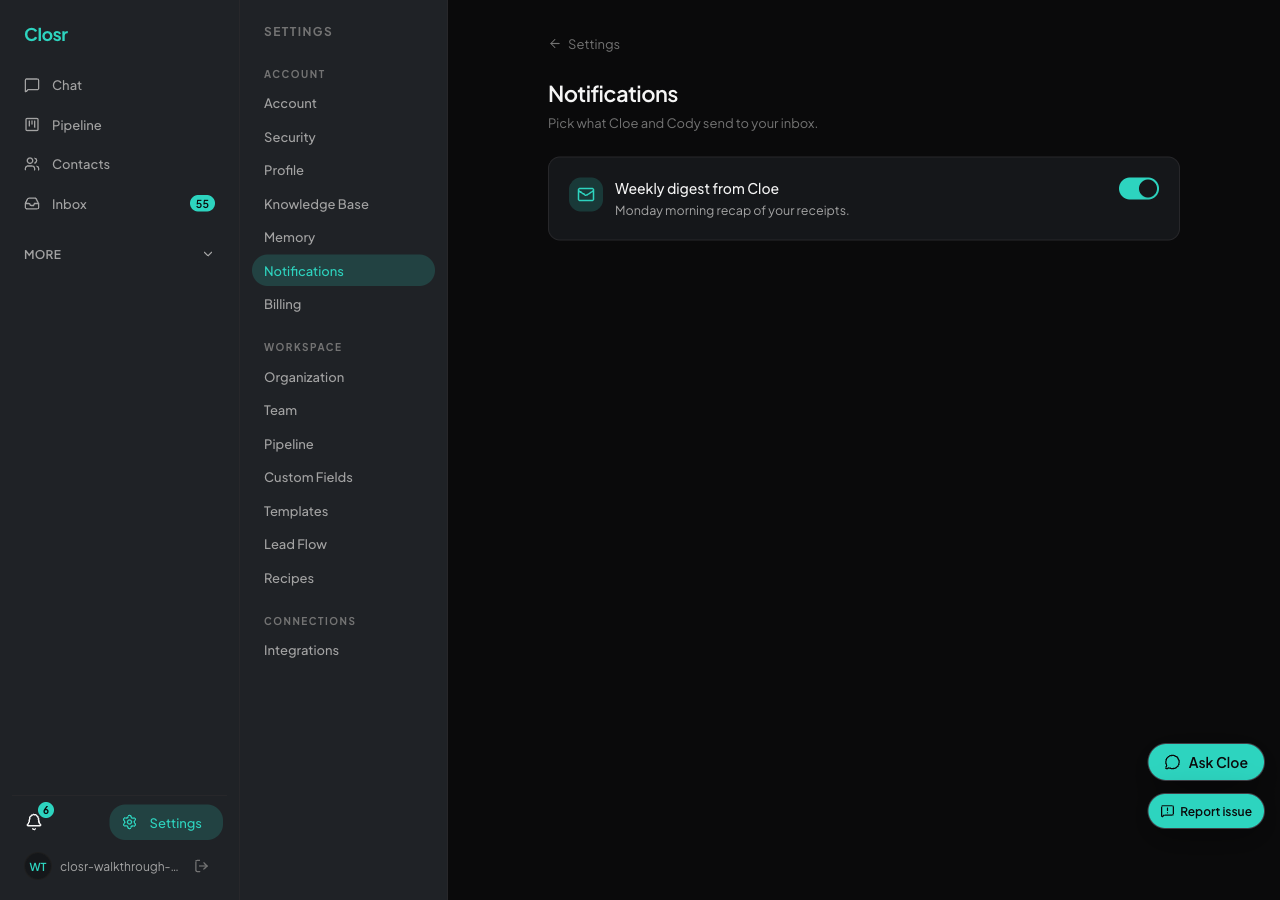
Notifications, push, and the notification center
Turn on Web Push so you find out when a hot lead replies. The notification bell at the bottom of the sidebar keeps the full history.
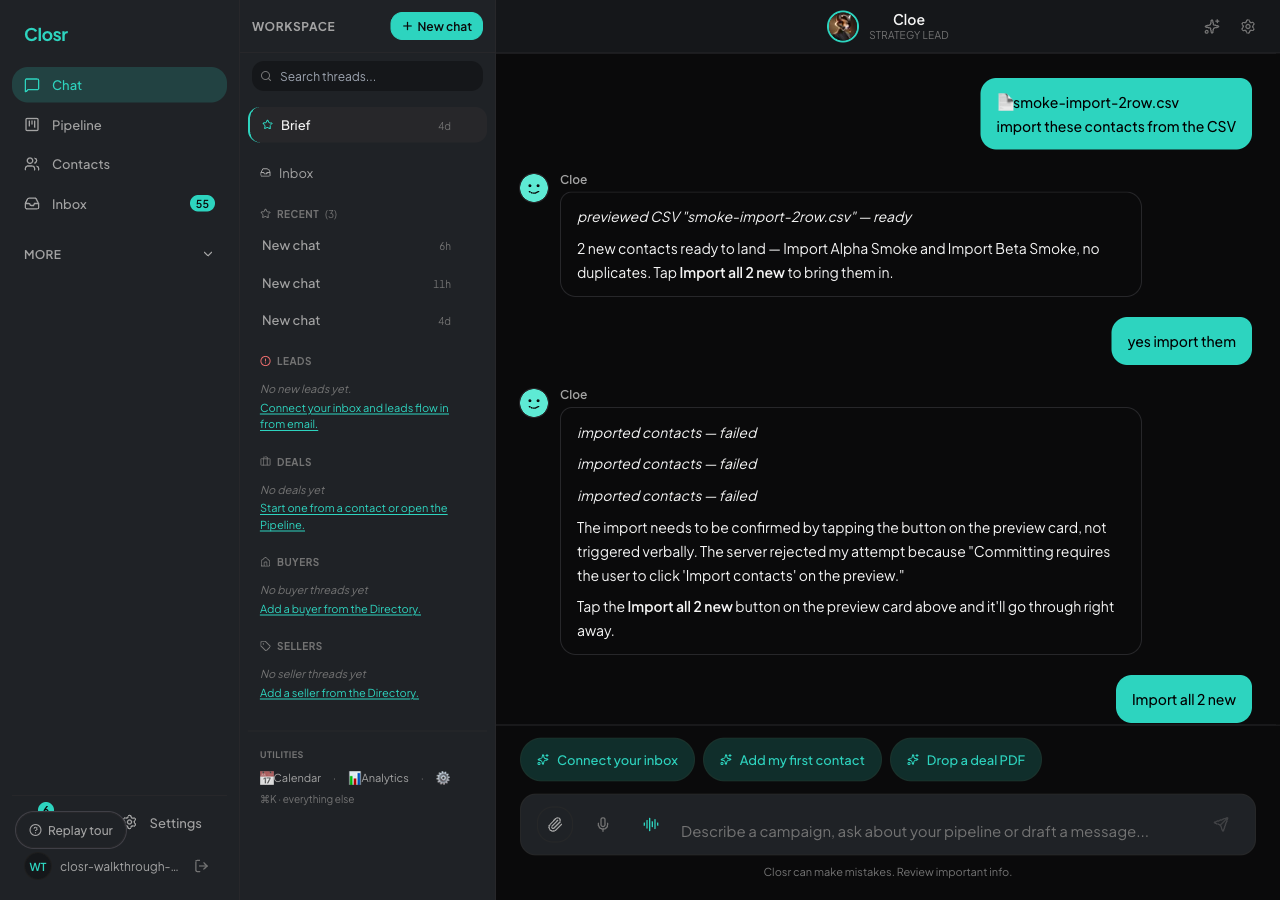
Brief, your daily catch-all
A top card with live pipeline numbers, a Today list of up to 5 priority items, and one-tap draft buttons. Opens above chat.
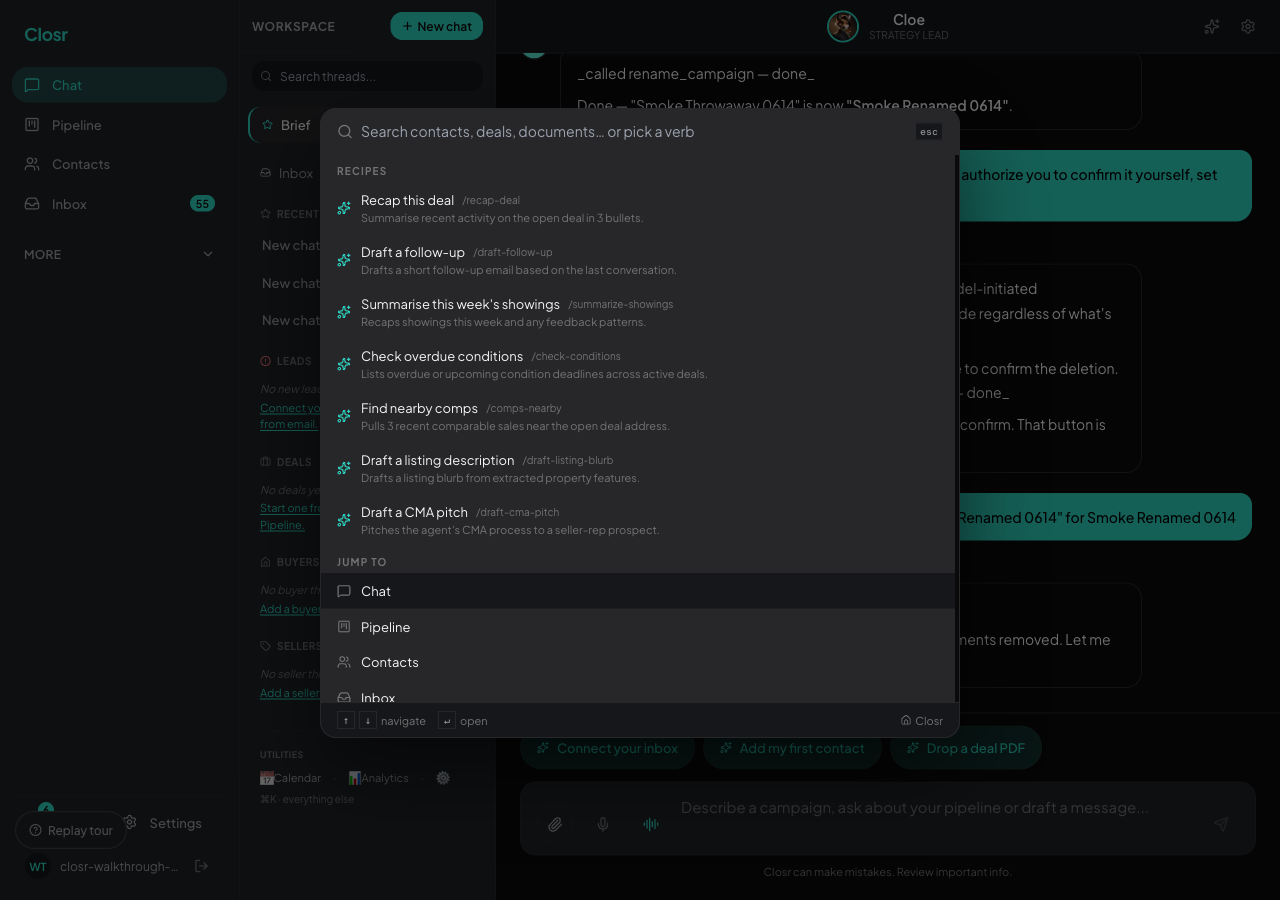
Cmd+K: the command palette
One keystroke to jump to any contact, deal, or page. Context verbs change based on where you're standing.
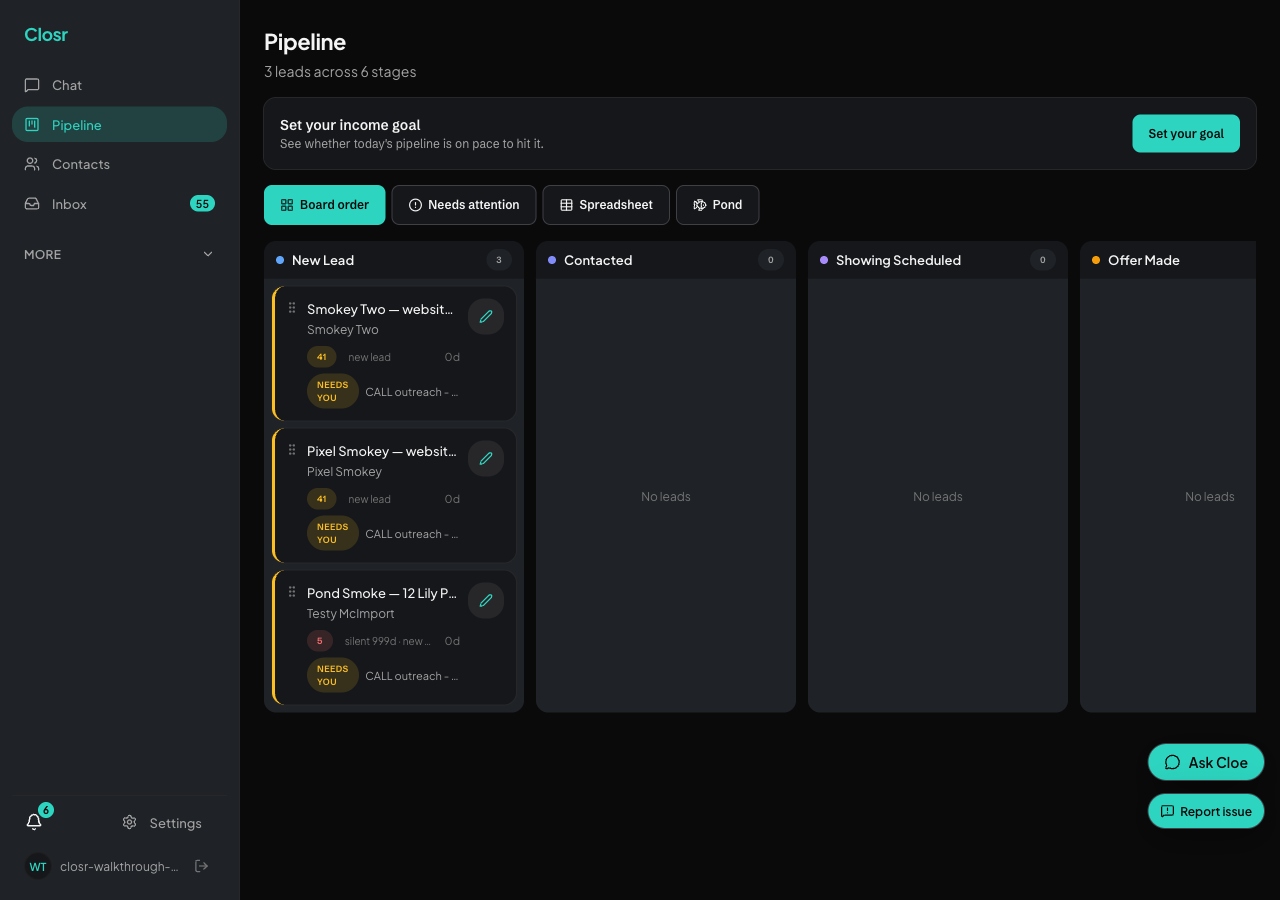
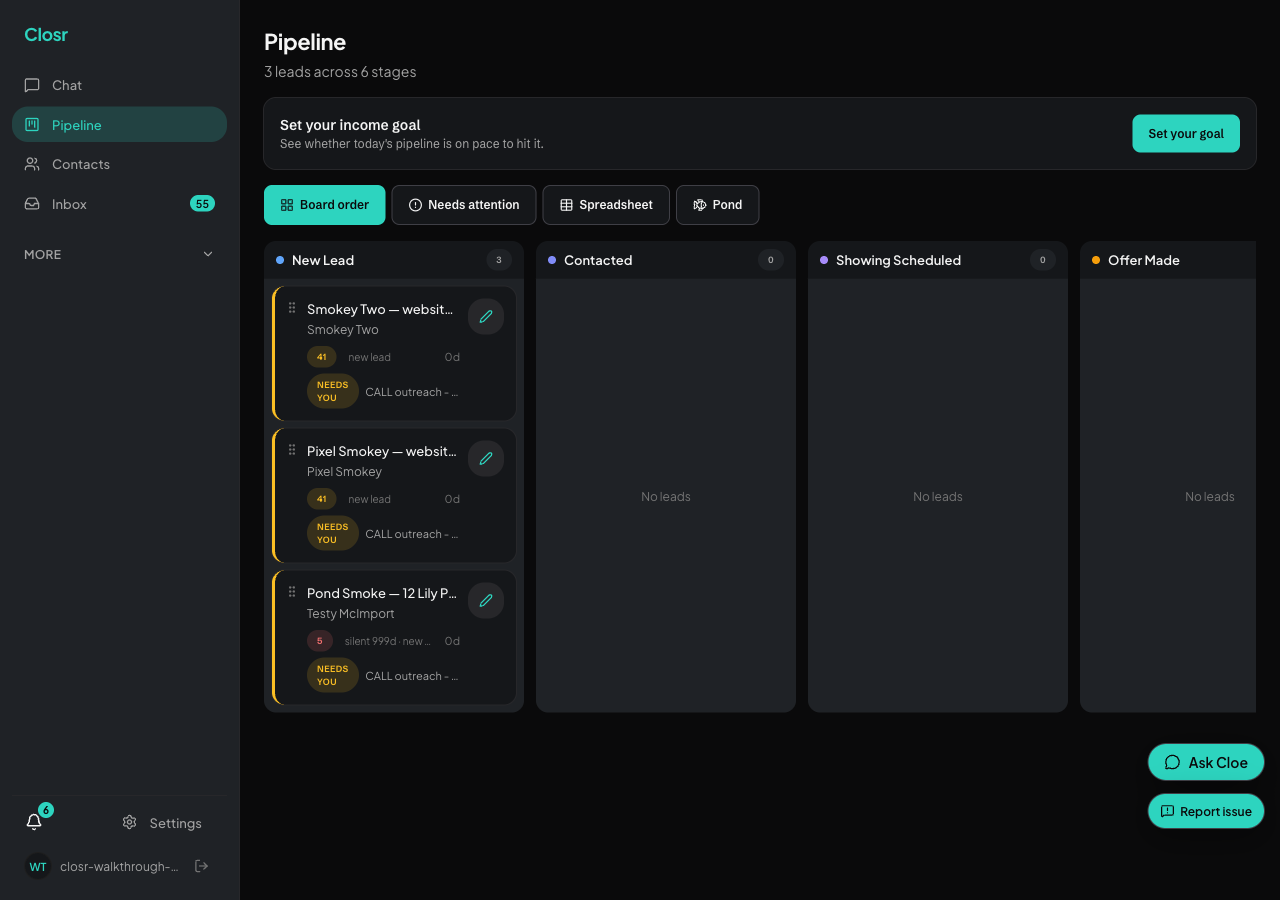
Pipeline kanban + conversation threads
Two views on the same work: a kanban for stage at a glance, and chat threads per deal for the actual work.
Logging deals from PDFs
Drop an APS, listing agreement, or amendment. Closr reads every field and logs it into your pipeline.
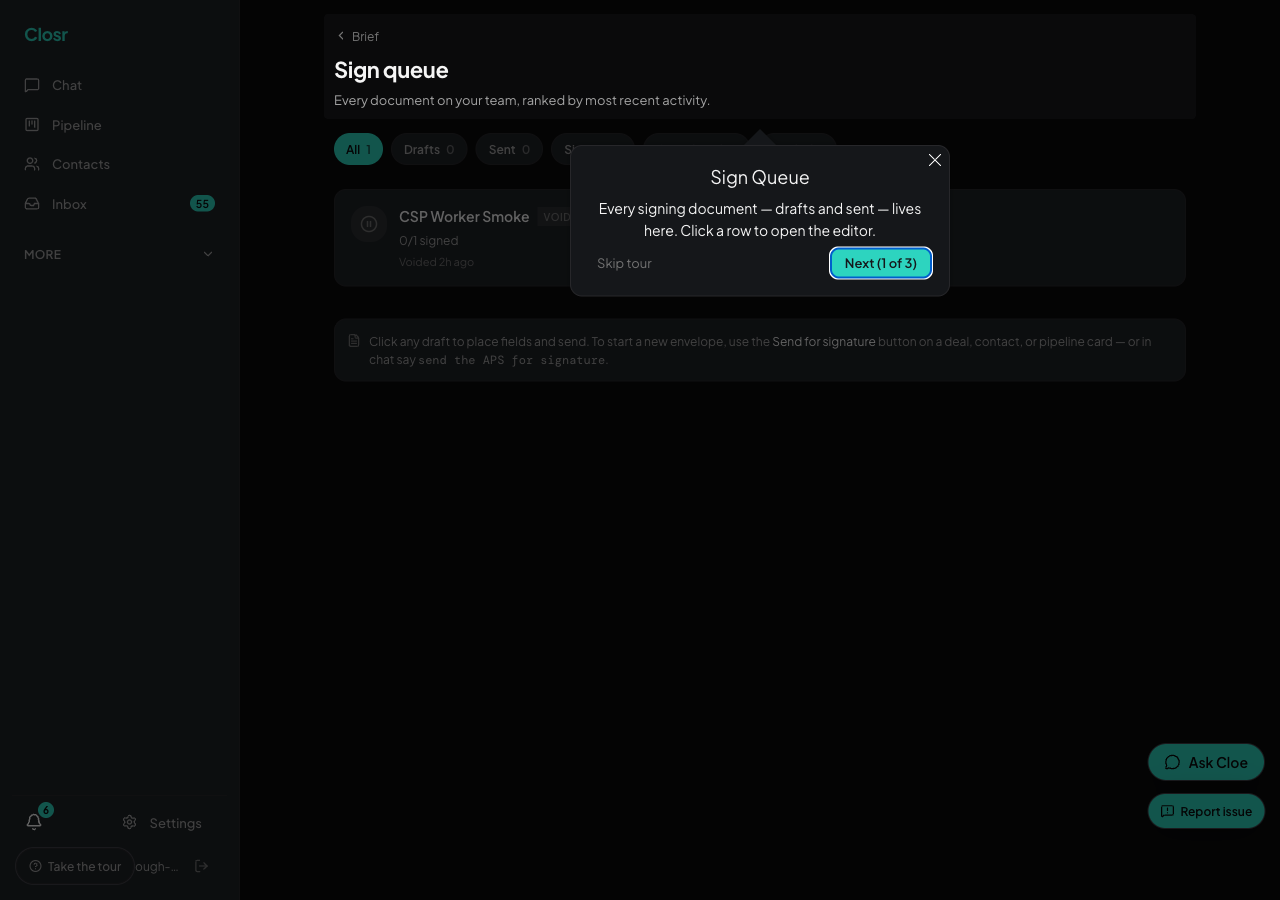
eSign: draft, place fields, send, sign, complete
Send any PDF for signature without leaving Closr. Auto-place fills signatures, dates, and initials in one click.
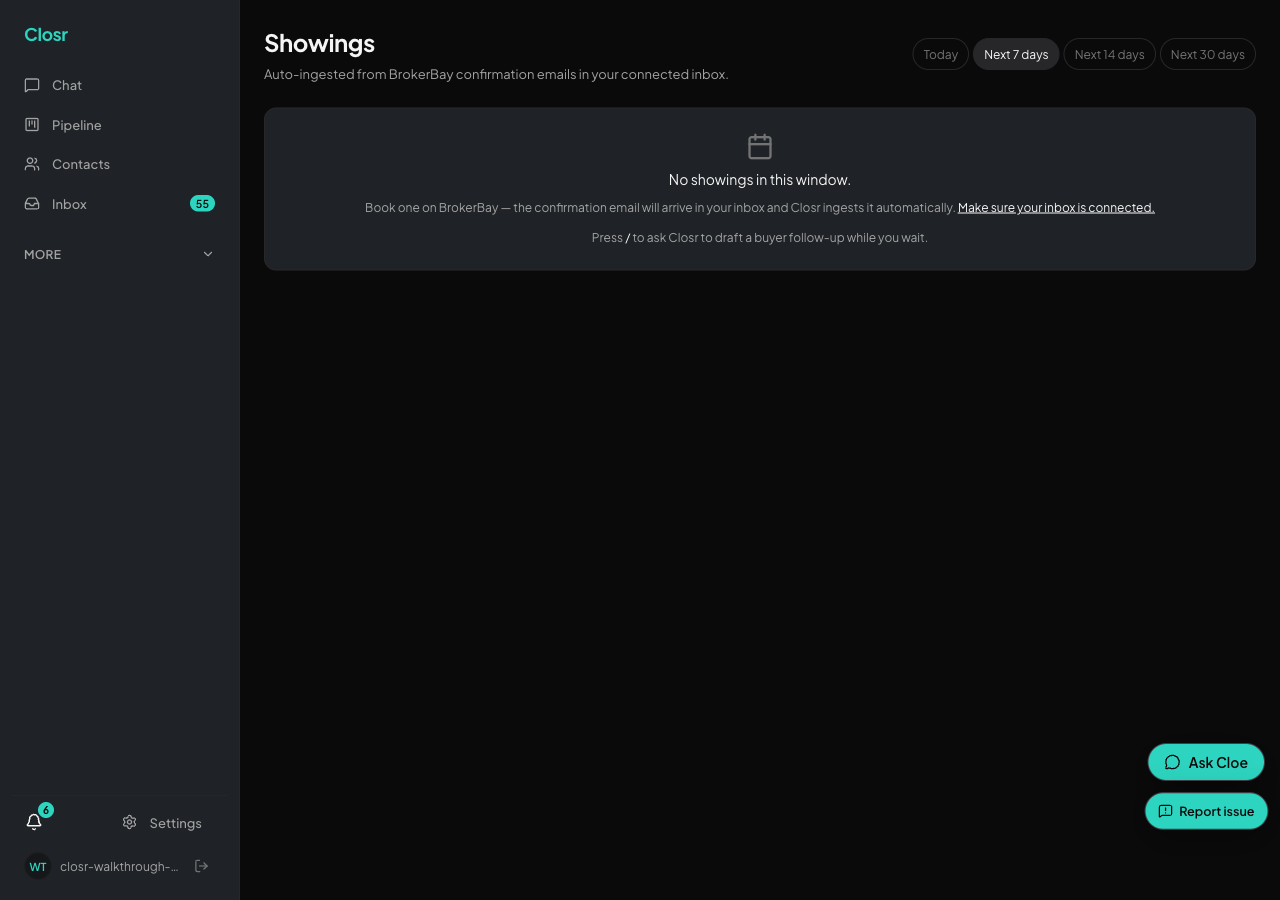
Showings: BrokerBay, ShowingTime and Showami, parsed from your inbox
A BrokerBay, ShowingTime, or Showami confirmation lands in Gmail. Closr parses it onto the Showings page, your calendar, and a push notification, automatically, for all three.
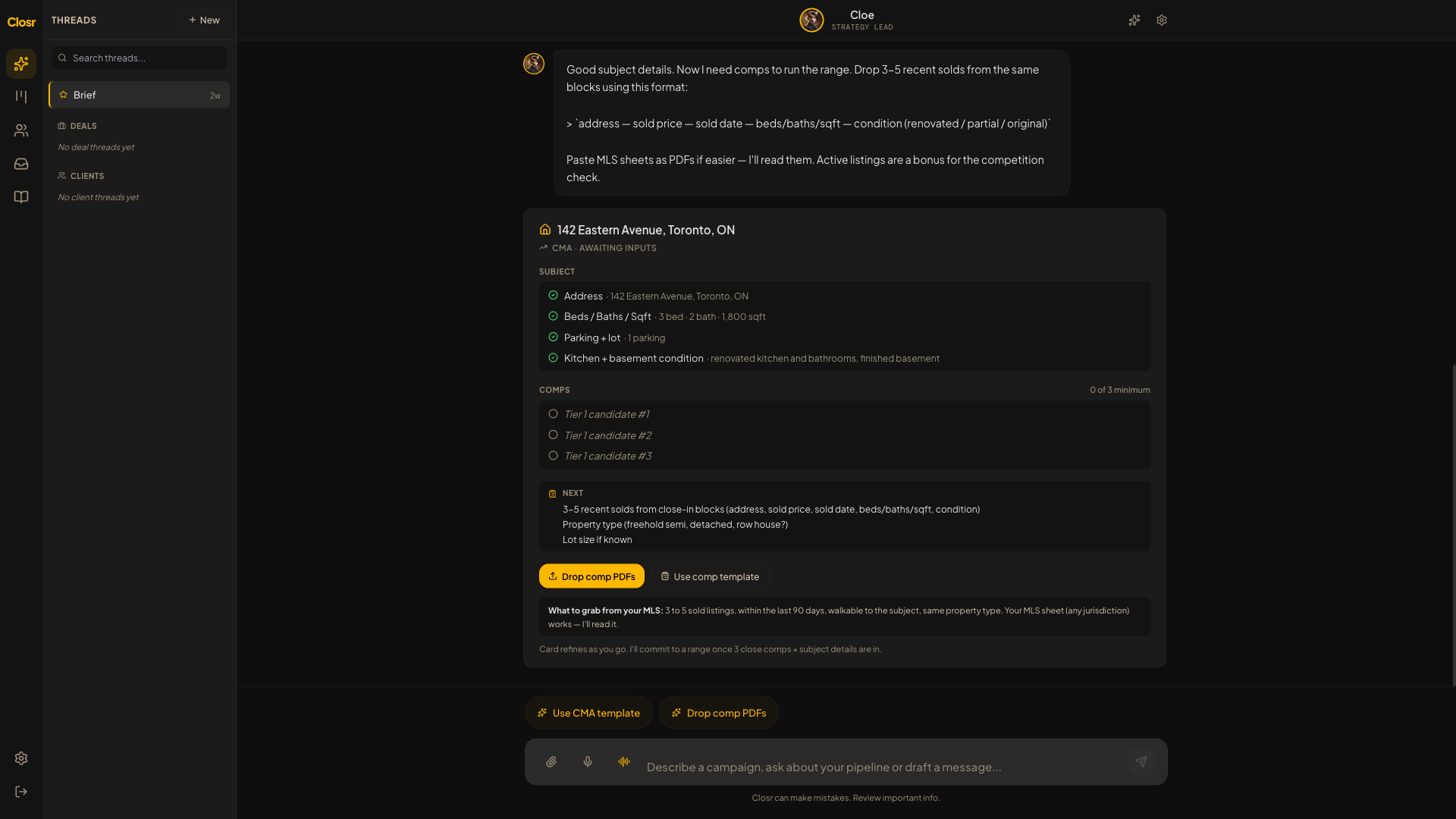
Running a CMA
Chat-driven. Say the address, drop a sold-listings PDF, get a Conservative / Target / Aggressive range with tiered comps.
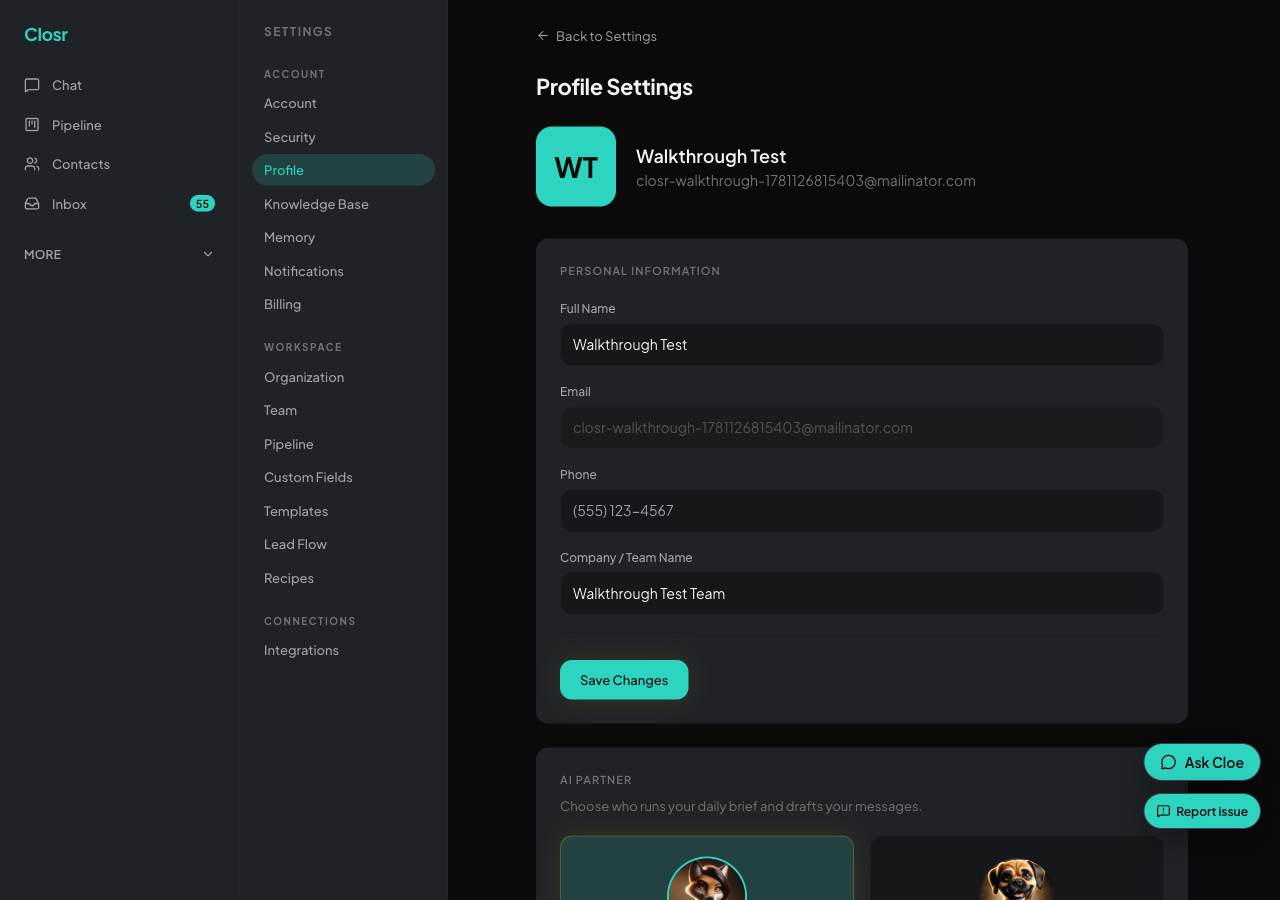
Training Closr on your voice
Feed Closr 3 to 5 writing samples in Settings → Knowledge Base. Drafts start sounding like you, not a CRM.
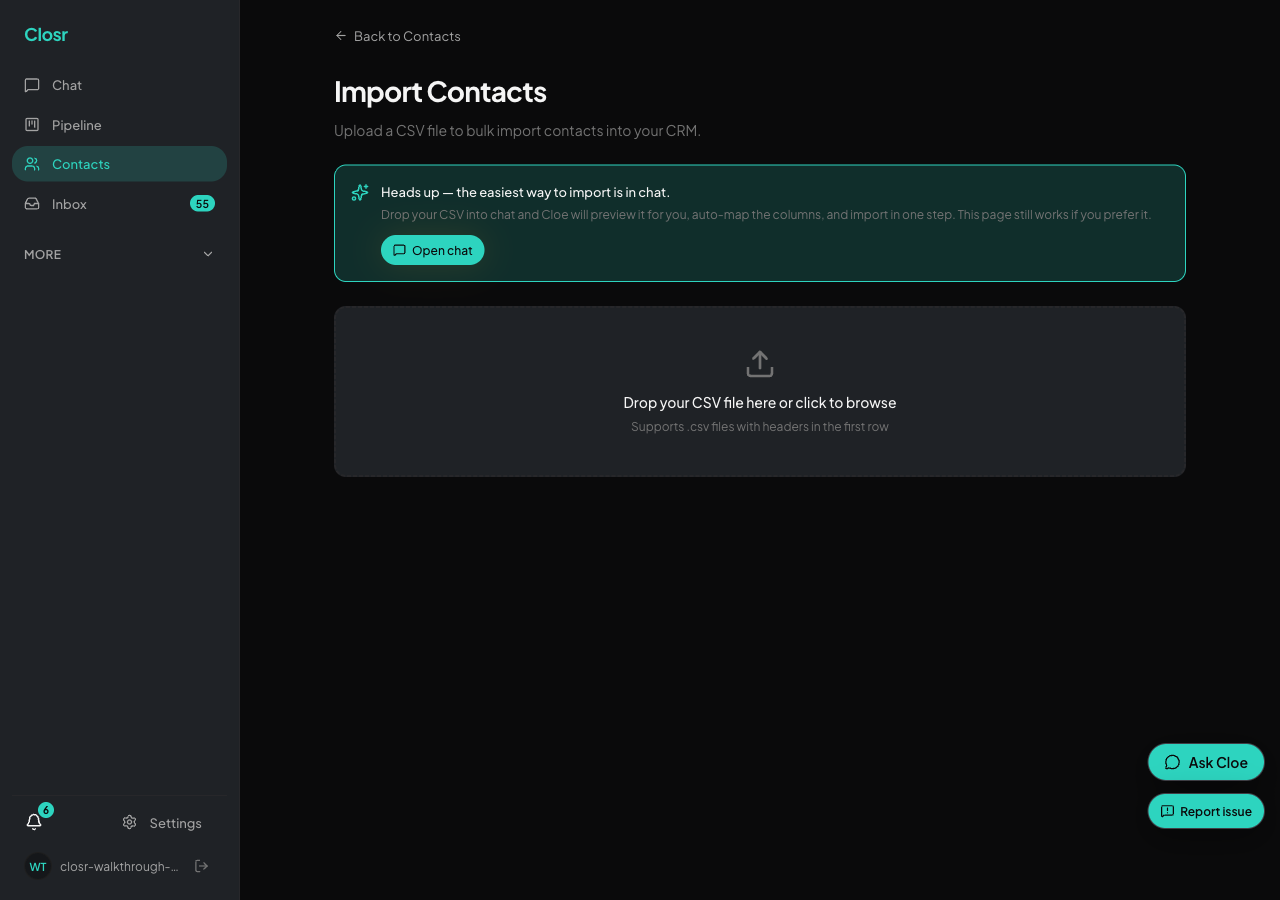
Bringing your book into Closr
Go to Contacts, then Migrate / Import. Three sections: Follow Up Boss (open by default), Import Any CSV, and Paste a List.

Importing from Follow Up Boss
Two paths under 'Migrate from Follow Up Boss': API key (pulls contacts and notes) or CSV export.

Importing from Lofty (FKA Chime)
Lofty imports through a CSV export. No API connector yet, so plan to export a file.

Importing from kvCORE and BoldTrail
Same platform, same export. Closr auto-detects the kvCORE layout. CSV only, no API.

Importing from Brivity
Brivity splits each contact across many columns. Closr stitches email, phone, notes, and addresses back together.

Importing from Agent Locator
Agent Locator imports through the generic CSV engine. No brand detector, no API, so check the mapping.

Importing from any other CRM
KW Command, Chime, Sierra, Salesforce, HubSpot, and the rest. Any CRM that exports a CSV imports the same way.
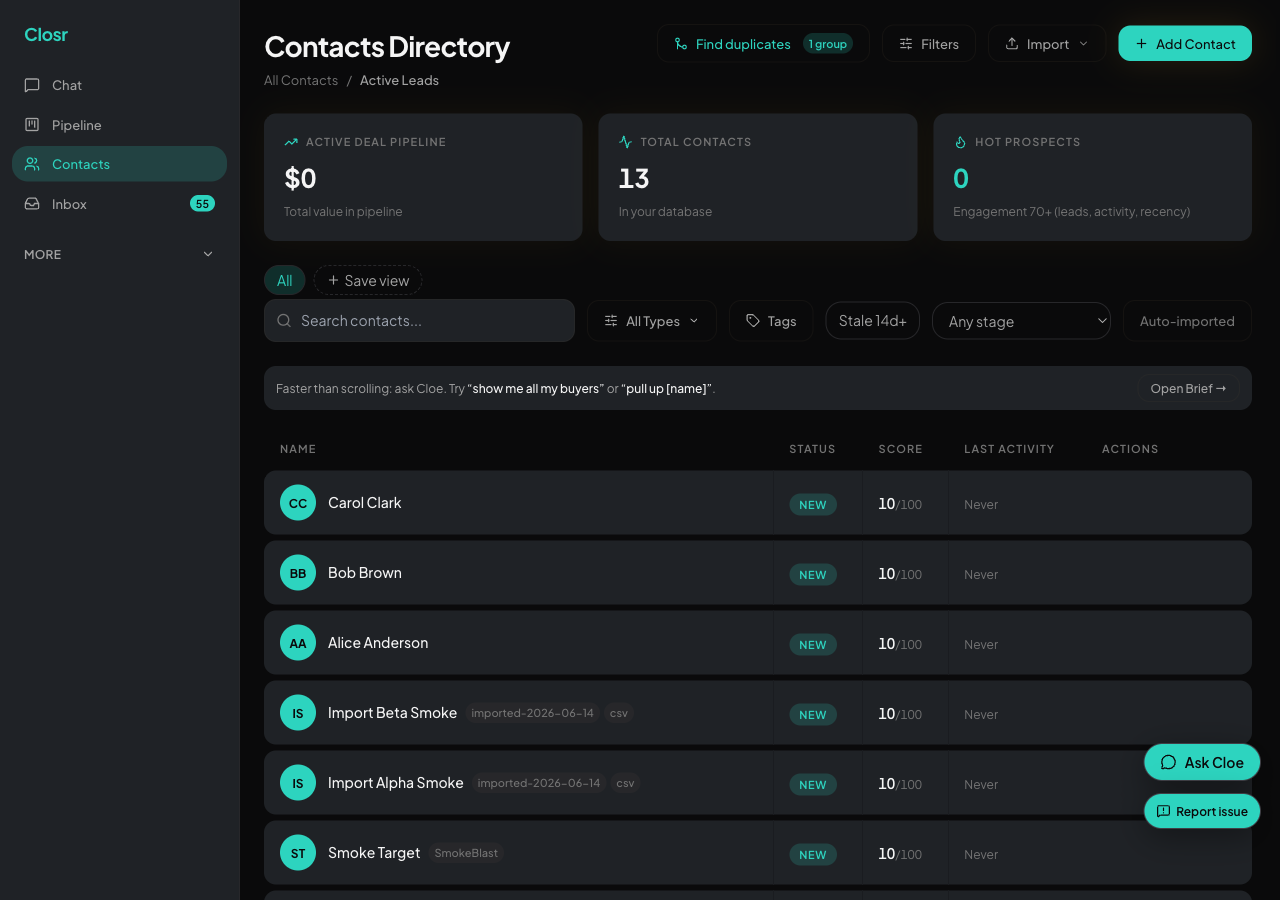
Contact tags and custom fields
Tags are for cohorts (Buyer, Hot, VIP). Custom fields are for facts (pre-approval amount, move-in date).
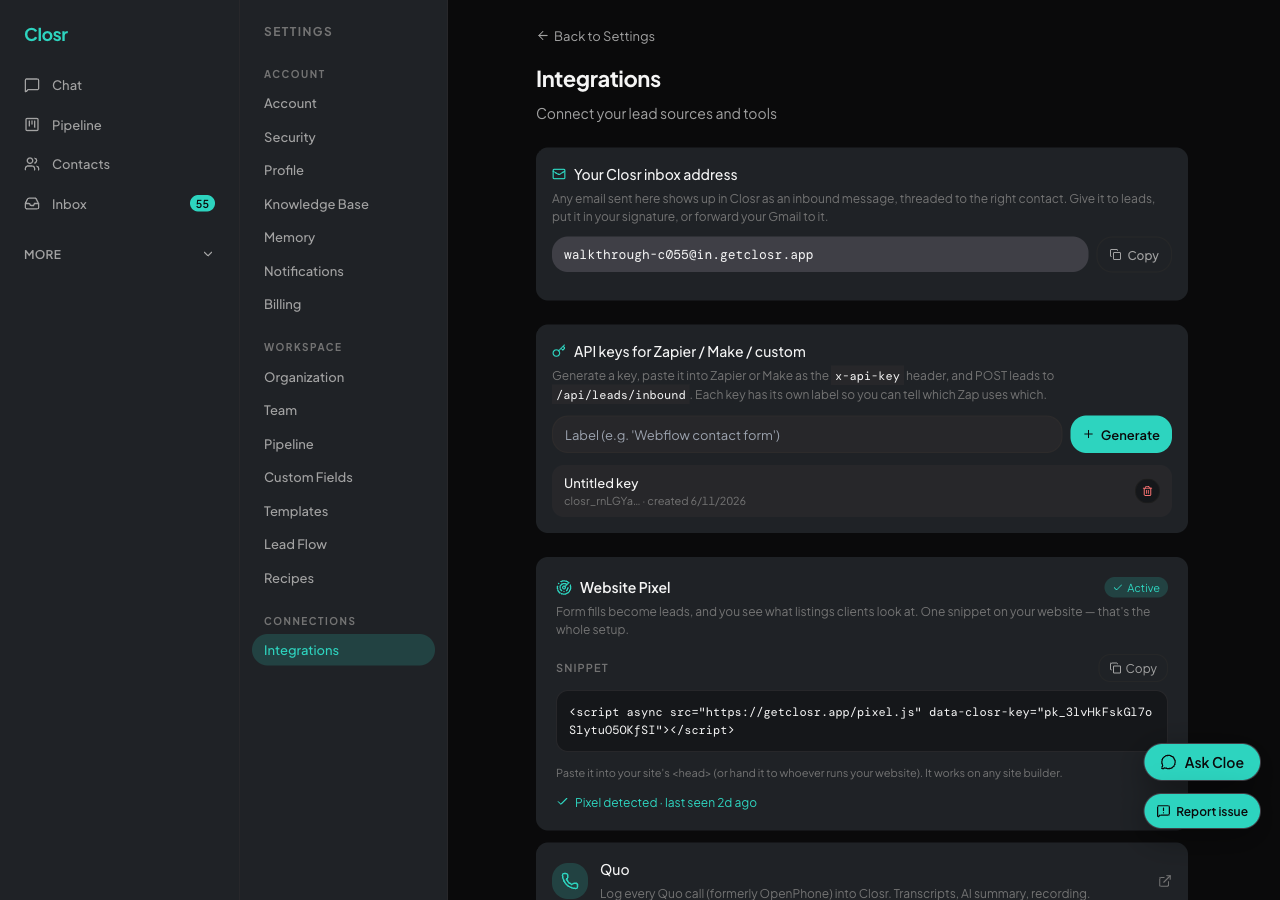
Web Tracker, install in 5 minutes
Drop one snippet on your website and Closr starts logging every page each of your leads visits.
Lead intake: forms, Facebook Lead Ads, routing
Ingest leads from a one-click Facebook Lead Ads connect, your website form, the inbound API, or Zapier. Round-robin to teammates.
Lead scoring and saved views
0-to-100 score across five components. Hot flame for repeat web visitors. Saved views power the dialer and mass email.
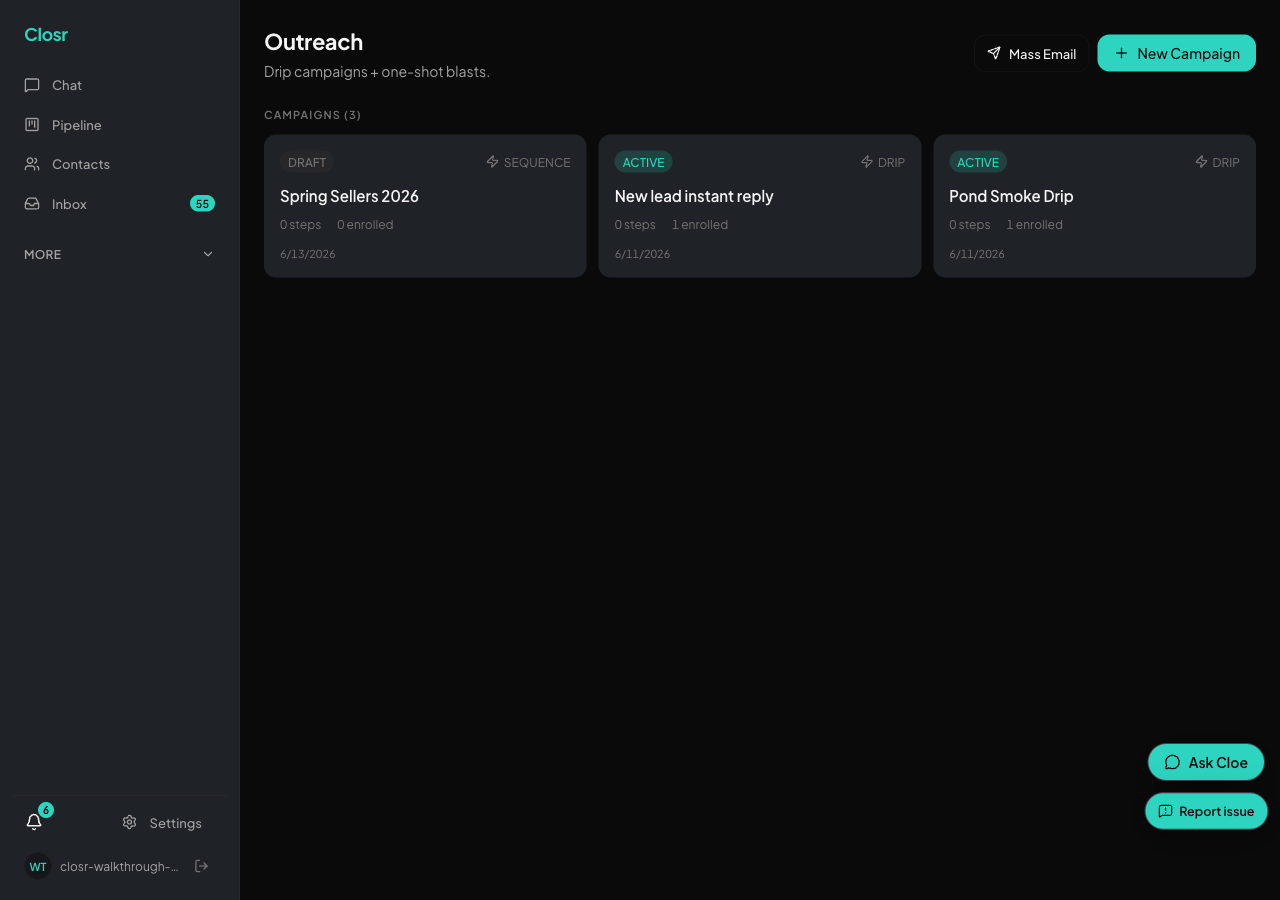
Campaigns: multi-channel drips and mass email
Build a multi-step nurture in chat or from the page. Email, SMS, voice. One blast or a 5-step sequence on the same engine.
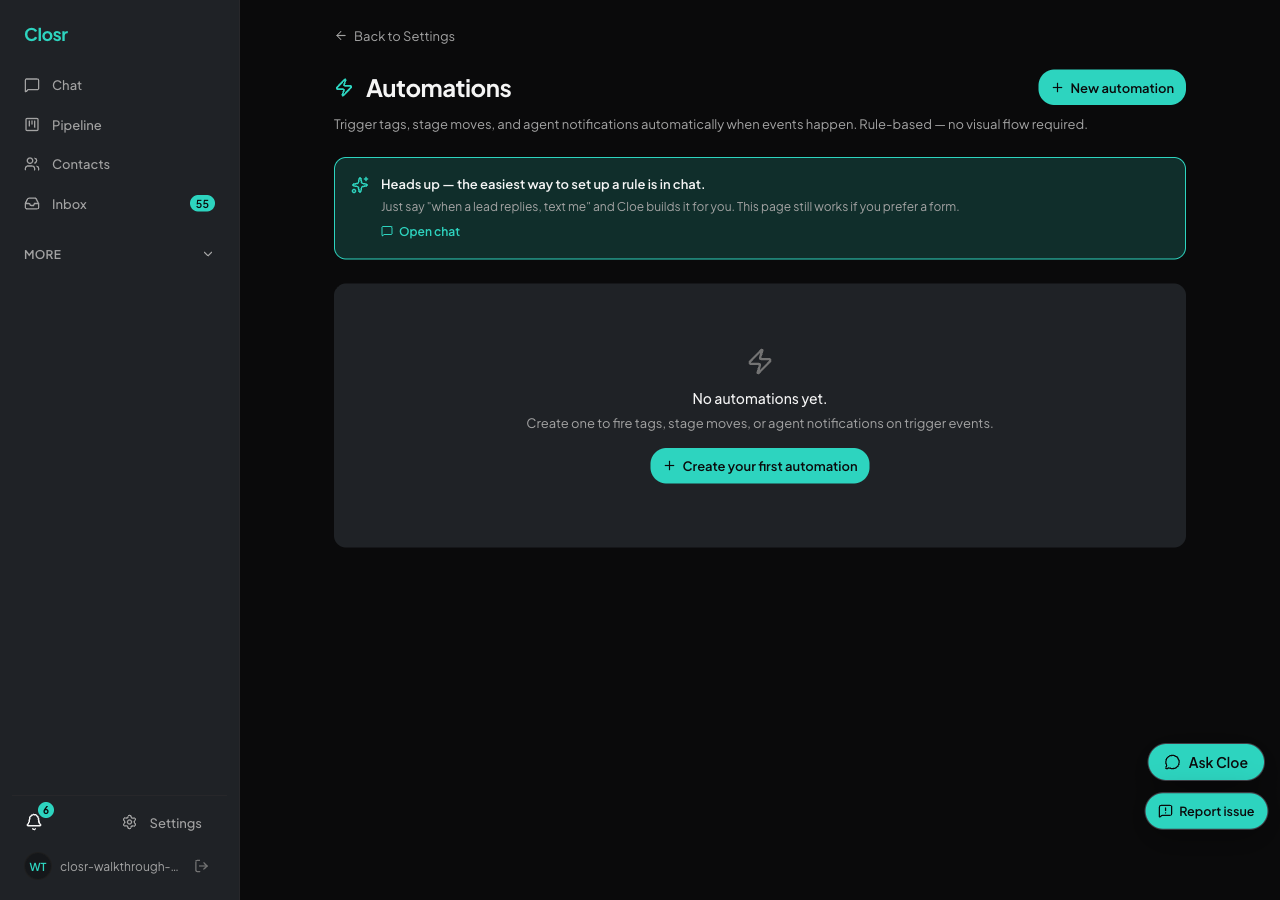
Automations, recipes, and agents
Describe the rule, Closr writes it. Plus @research, @recap, @outreach, recipes, Cmd+J inline AI, and the daily digest.
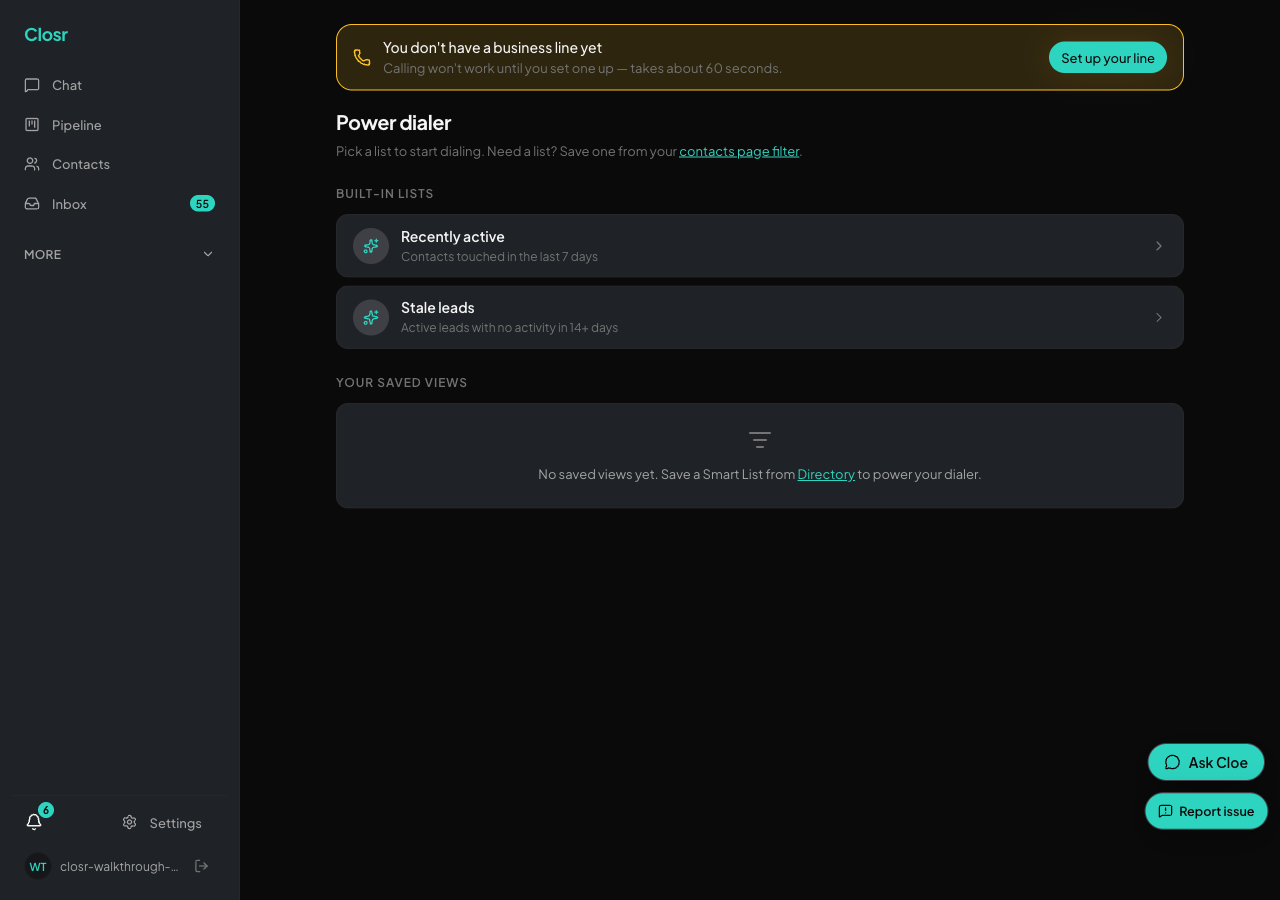
The power dialer
Click-to-call down a list of up to 200 contacts. Each call records, transcribes, and summarizes. Auto-advances in 1.2 seconds.

Profile, commissions, brokerage split
Tell Closr how your brokerage bills you. Gross stays on the kanban; net flows everywhere else.
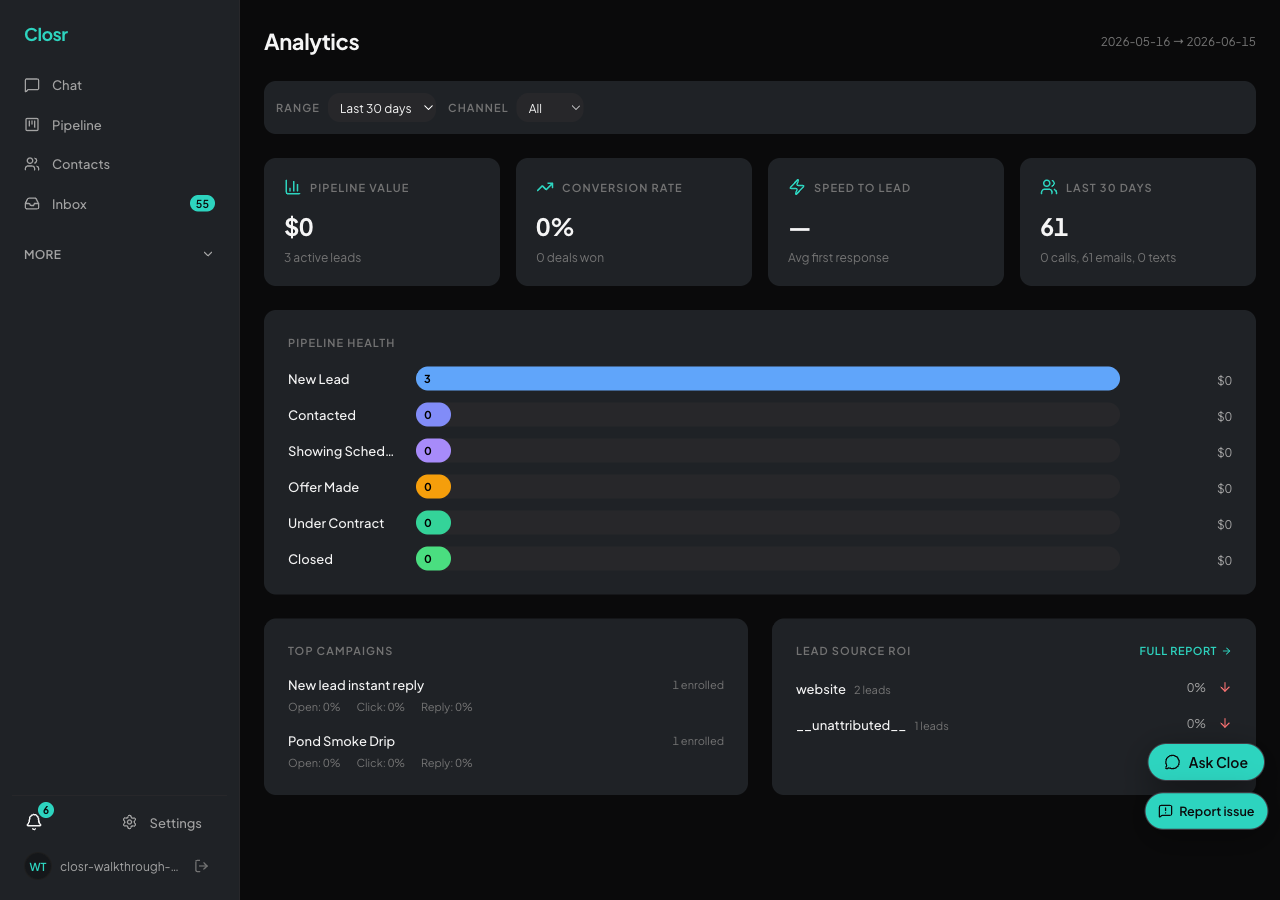
Analytics and the leaderboard
Solo agents get Analytics (pipeline health, lead-source ROI). Teams unlock the Leaderboard, ranked by deals won.
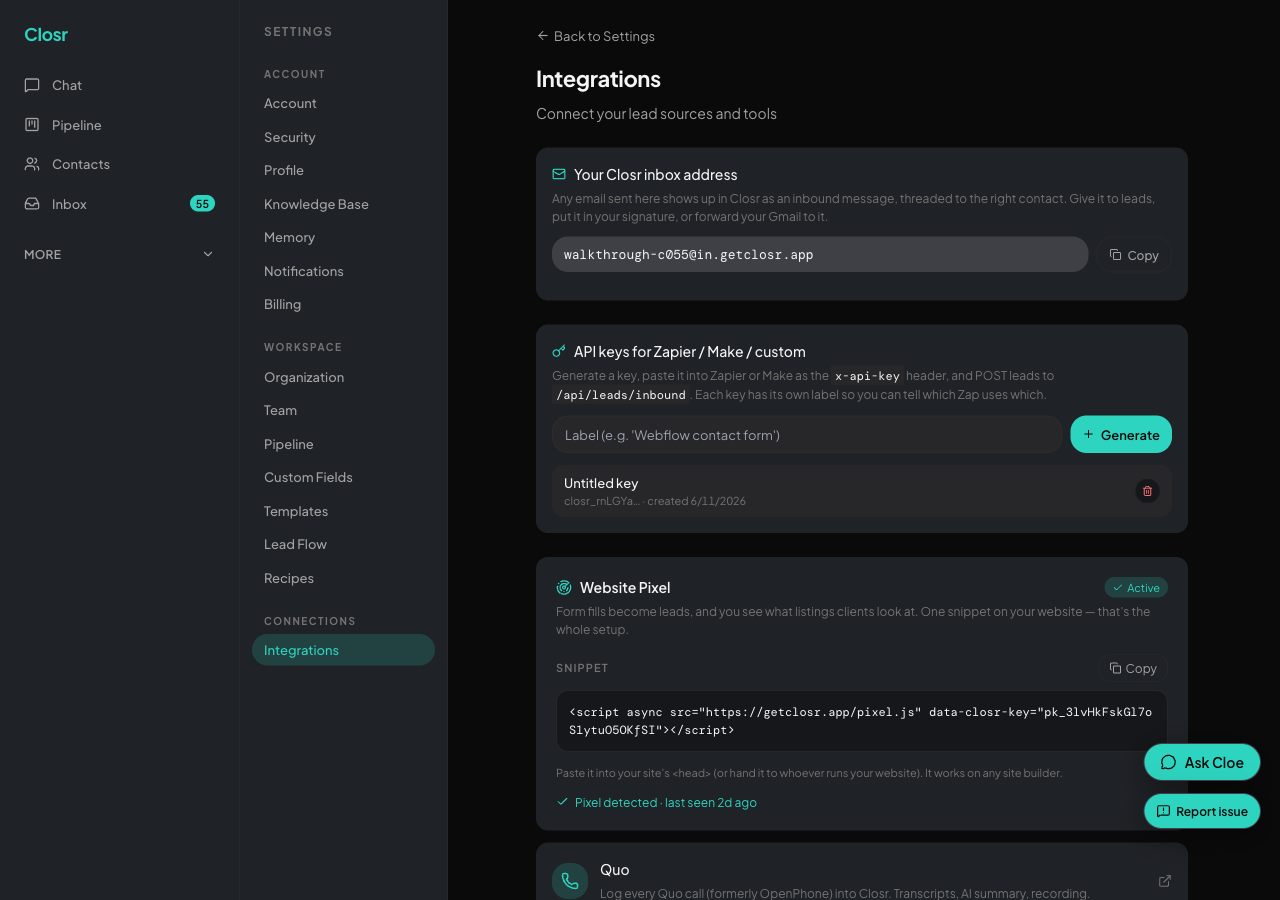
API keys
Generate a key in Settings, use it to POST leads from Zapier, Make, Webflow forms, or any custom tool into your pipeline.

Use Closr from Claude and other AI tools
Closr is an MCP server. Create a key, install the Closr extension in Claude Desktop (or paste one line into Claude Code or Cursor), and your contacts, deals, and CMAs are there.
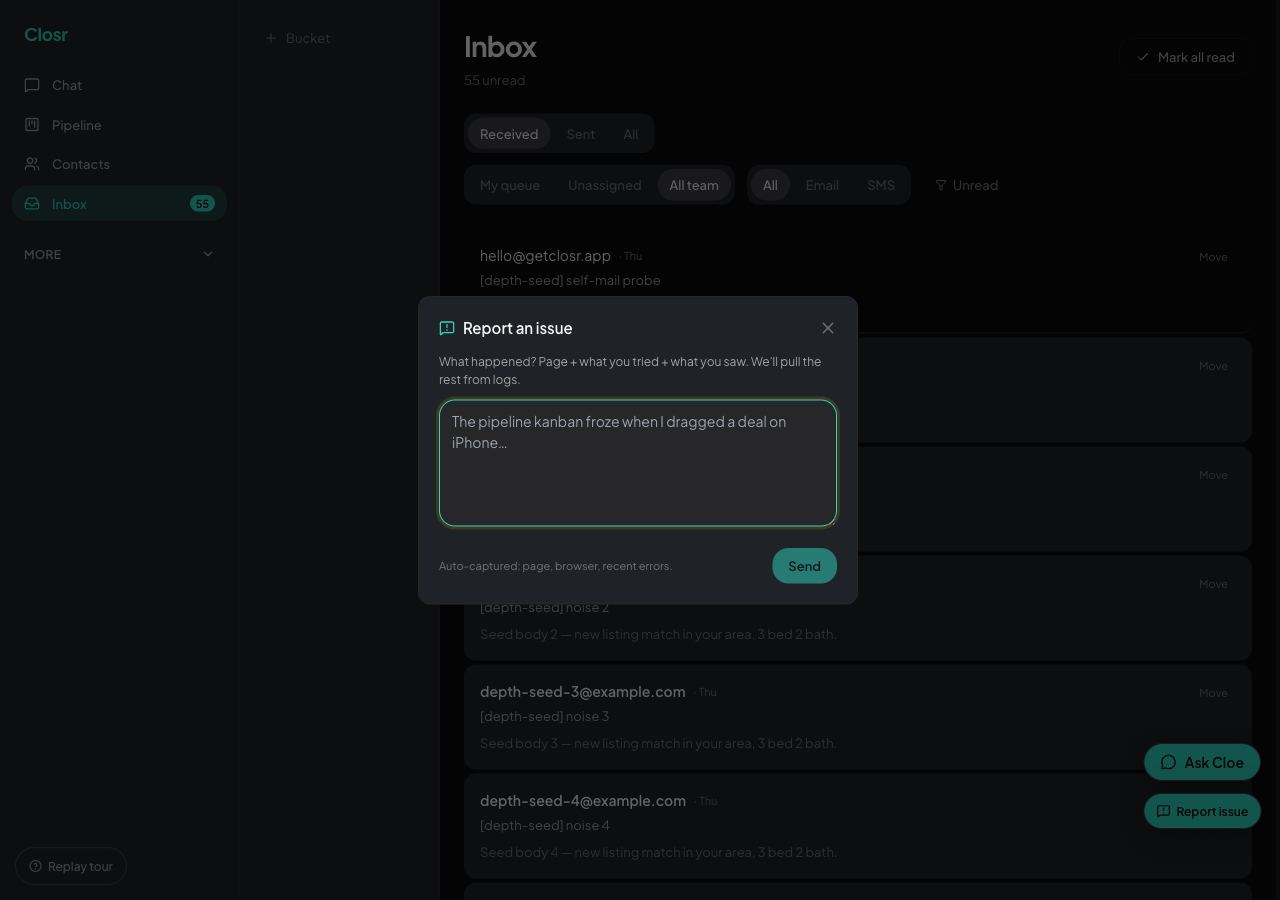
Reporting issues
Bottom-right amber button on every page. One textarea, no form. Ara reads them daily.
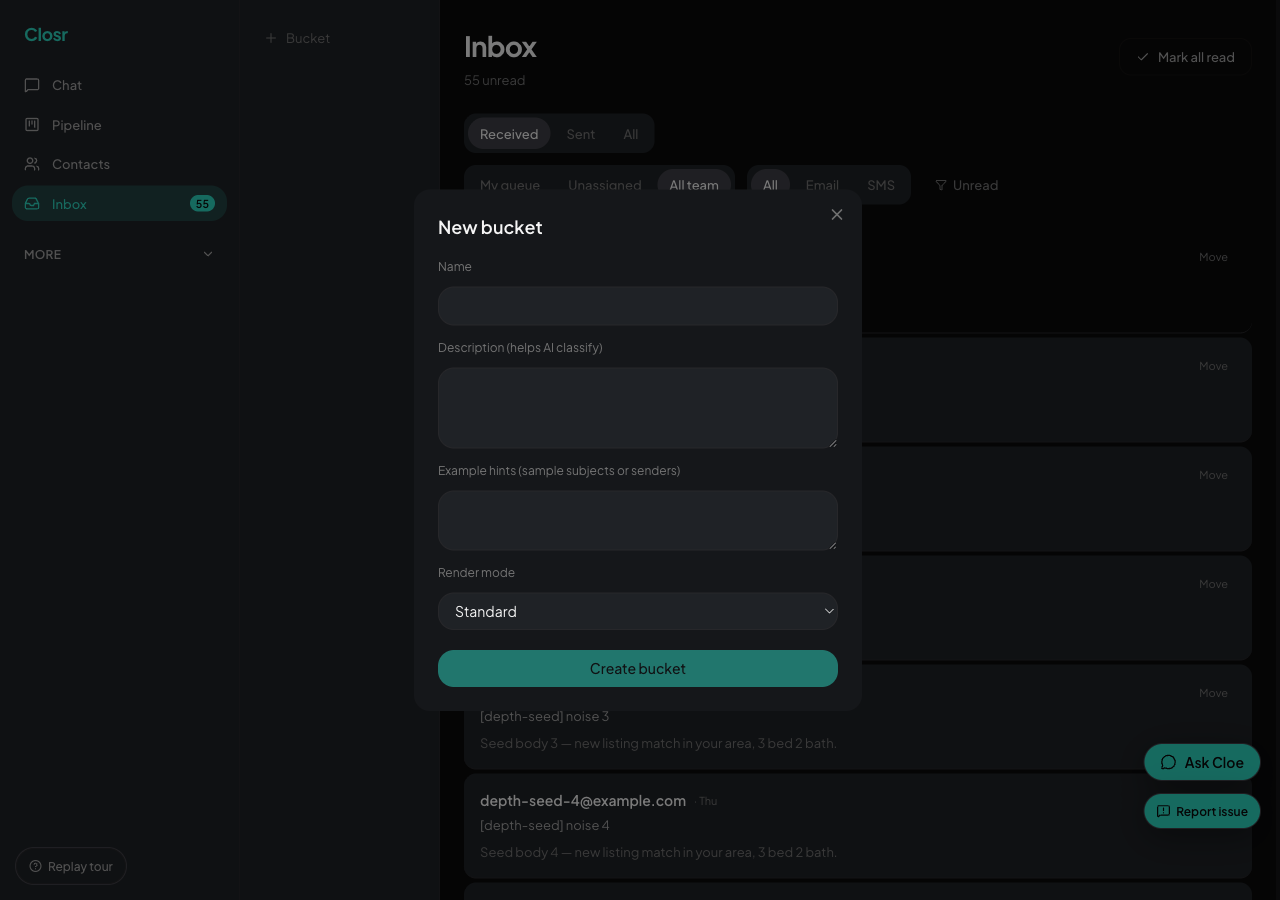
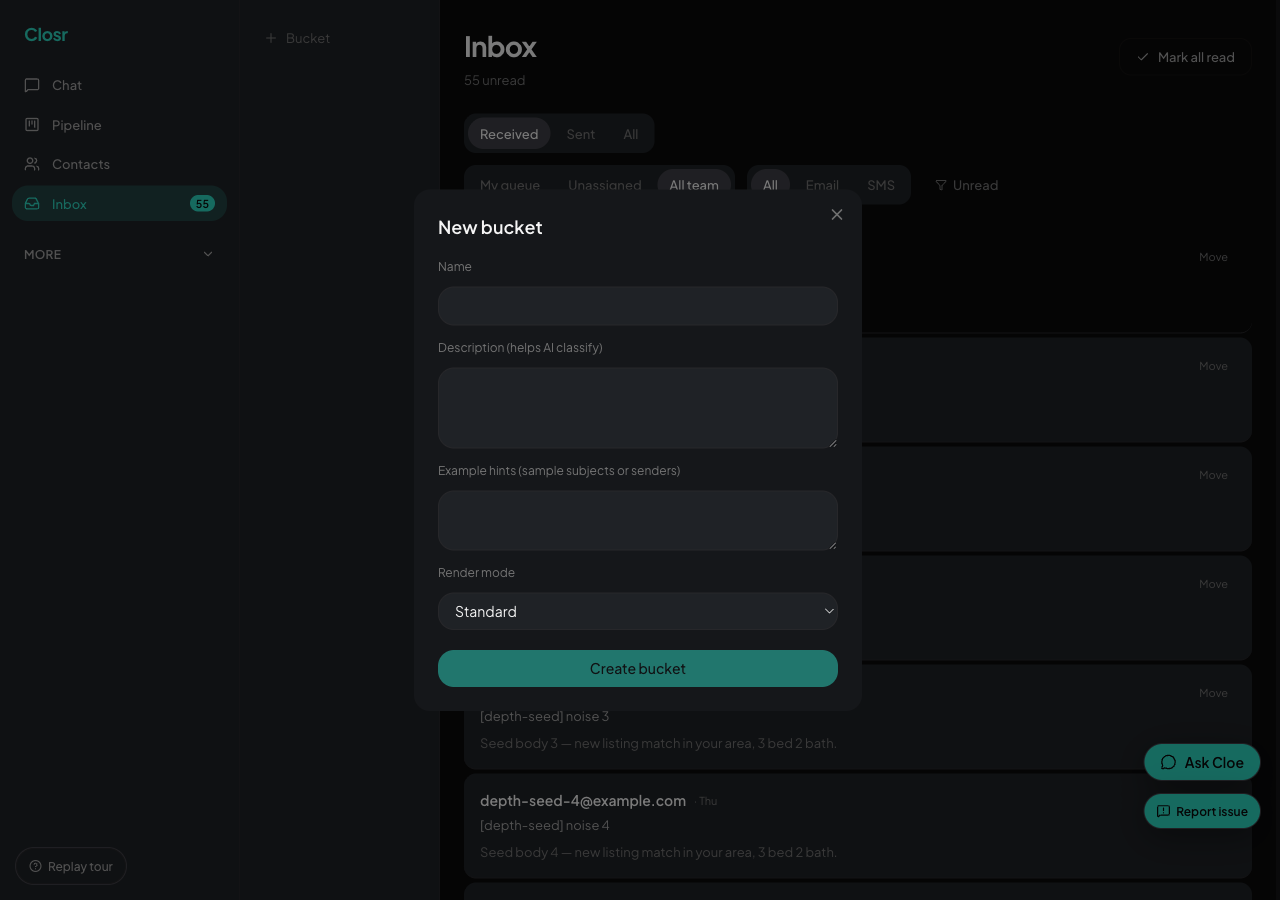
Inbox buckets — sort the noise from what needs your attention
Buckets are how Closr keeps real client emails out of the same pile as newsletters and noise. Three are built in, and you can add your own.
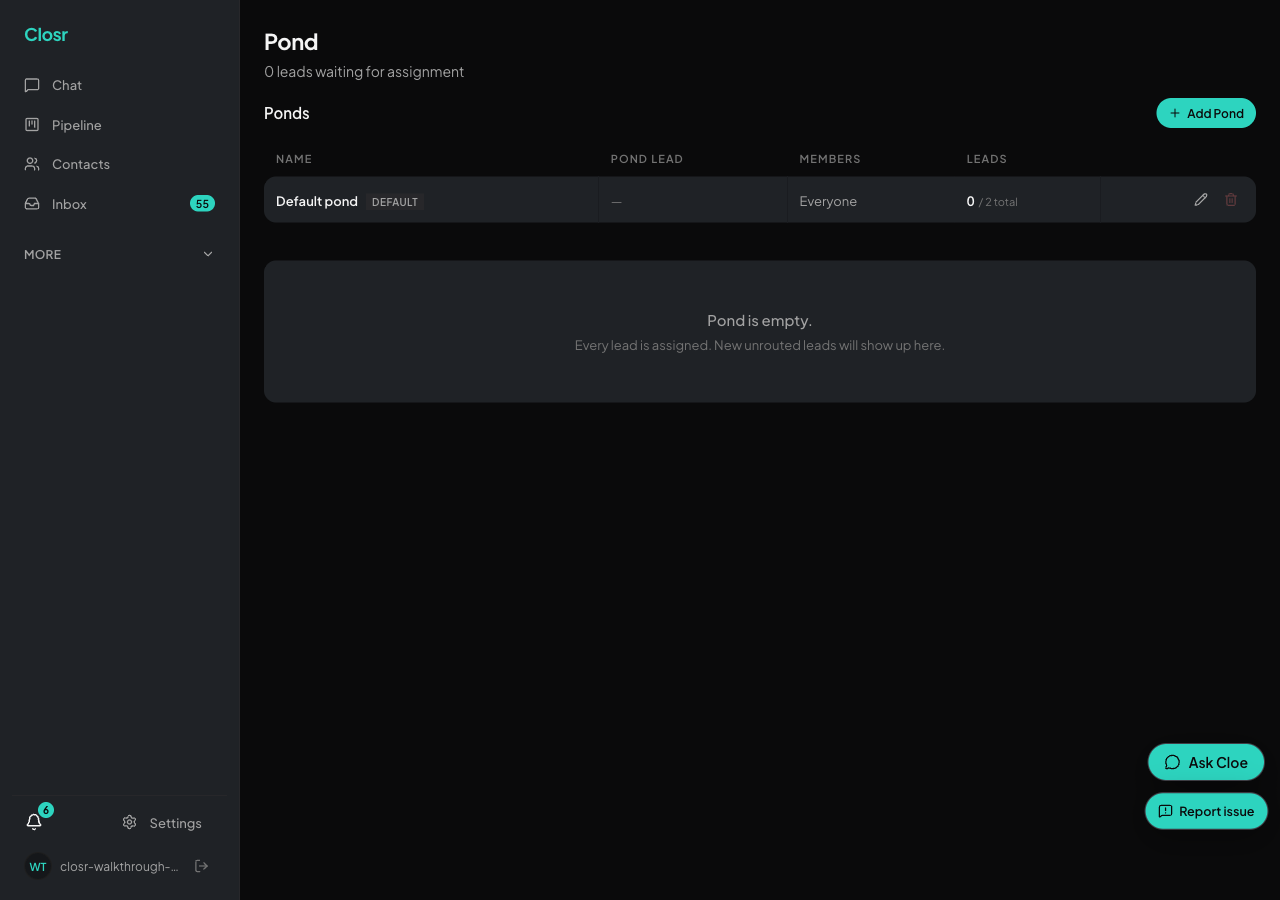
Lead ponds — shared buckets your team claims from
Ponds hold unassigned leads until a teammate claims them. Campaigns pause while a lead sits in a pond, so nothing sends under the wrong name.

Your agent website
Closr builds you a public agent website. Pick a template, fill in your bio and stats, publish it, and it goes live on a free my-closr.site address. Add a custom domain with Pro Website.

Advertise a listing on Facebook
Turn a listing into a Facebook lead ad. Draft the copy in chat, review it in the composer, and push it to Meta as a paused draft. Nothing spends money until you activate it yourself.

Deal workflows: closing checklists that keep dates
Put a Buyer or Seller closing checklist on a deal. Tasks hang off milestones with work-back due dates, so when a date moves, every task shifts with it. Optionally keep your client updated automatically.

Open house sign-in that captures every visitor
Run a self-serve sign-in for an open house. Visitors sign themselves in from a QR code, an NFC tap, or a kiosk tablet, and each one lands in your pipeline as a tagged, routed lead.

Deal participants: everyone on the deal in one place
Track every person on a deal — client, co-agent, lawyers, lender, inspector, stager — with roles. Message them, and hand out a read-only status link, without saving anyone to your contacts unless you want to.

Listing pages
A shareable promotional page for one property, with a lead form that lands in your pipeline. Not where you manage MLS listings.

Where things live: contacts, projects, pipeline, documents
What each record is for, where to change a listing's dates, expiry or price, and how chat routes you to the right deal.